Teams producing many related visuals with shared style constraints.
Tools
AI Image Generator Workflow for Creative Teams
Use AI image generation as a repeatable production system with preserved inputs, prompts, references, and template logic.
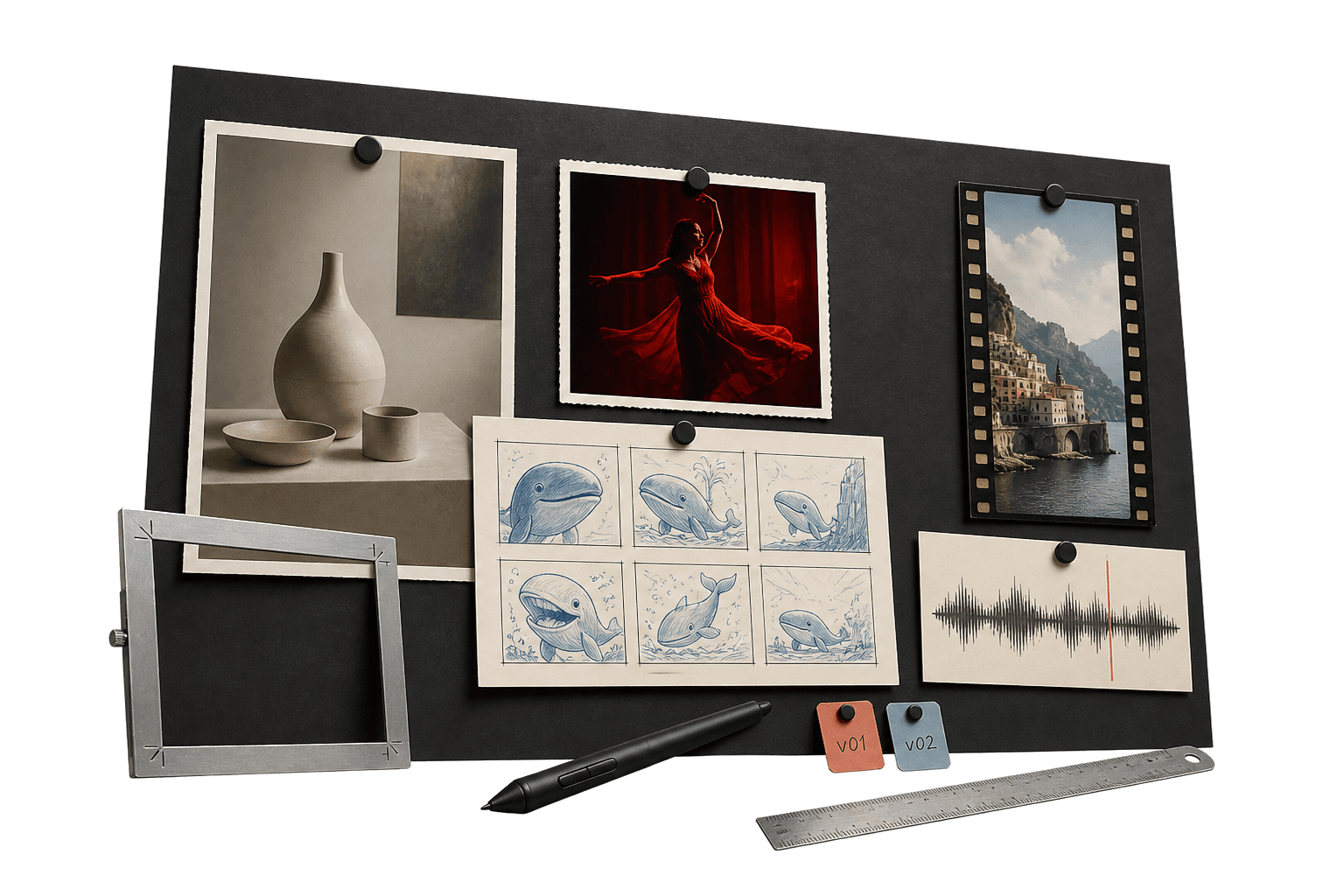
AI image generator workflow
Save the process, not just the output.
An AI image generator creates images from prompts, references, or source assets. Genflow helps teams preserve the image generation workflow so successful prompts, inputs, and style rules can be reused across campaigns and products.
Best for product scenes, campaign images, brand concepts, and creative tests.
Keeps prompt logic and visual references organized for reuse.
Useful when image generation needs to become an operational workflow.
Built for teams that repeat creative work.
The page gives visitors and answer engines a practical view of where the workflow fits, how it runs, and what to try next.
Creators comparing prompt, model, and reference changes over time.
Brands packaging repeatable image systems into templates.
Prompt structure
Keep the wording, negative constraints, references, and output rules in one place.
Reference system
Attach images, product material, and brand notes to the workflow itself.
Repeatable production
Turn strong image generation setups into templates for future work.
Direct answer
AI image generator workflow: direct answer
An AI image generator creates images from prompts, references, or source assets. Genflow helps teams preserve the image generation workflow so successful prompts, inputs, and style rules can be reused across campaigns and products.
Best for product scenes, campaign images, brand concepts, and creative tests.
Keeps prompt logic and visual references organized for reuse.
Useful when image generation needs to become an operational workflow.
How to use Genflow for AI image generator workflow
A compact workflow map for readers, crawlers, and AI answer systems.
Choose the visual goal
Define the product, campaign, style, or concept the workflow should produce.
Connect references and prompts
Save source assets, model settings, prompt structure, and output criteria.
Turn it into a reusable system
Copy the workflow or publish it as a template for future visual production.
Workflow vs one-off generator.
This comparison helps visitors understand why Genflow is about reusable creative production rather than a single output.
Creative memory
Genflow
Preserves prompt, references, and production context.
One-off tool
Primarily stores generated outputs.
Team usage
Genflow
Good for repeatable team workflows.
One-off tool
Good for individual image exploration.
Workflow depth
Genflow
Can connect image generation to video and template steps.
One-off tool
Usually focused on image generation alone.
| Criteria | Genflow | One-off tool |
|---|---|---|
| Creative memory | Preserves prompt, references, and production context. | Primarily stores generated outputs. |
| Team usage | Good for repeatable team workflows. | Good for individual image exploration. |
| Workflow depth | Can connect image generation to video and template steps. | Usually focused on image generation alone. |
FAQ
What is AI image generator workflow?
An AI image generator creates images from prompts, references, or source assets. Genflow helps teams preserve the image generation workflow so successful prompts, inputs, and style rules can be reused across campaigns and products.
Is Genflow an AI image generator?
Genflow is a workflow platform for AI creative production. It can organize image generation processes and connect them to reusable templates.
Why use a workflow for image generation?
A workflow helps teams repeat successful image generation setups without losing prompts, references, or review criteria.
Can this support product visuals?
Yes. Image workflows are especially useful for ecommerce product scenes, campaign concepts, and visual systems that repeat across many assets.
Can I reuse the workflow after the first output?
Yes. Genflow is designed around reusable workflows, so prompts, inputs, model choices, and output rules can be copied into future production runs.
Continue the workflow path
Move from this tool query into related tools, use cases, comparisons, and marketplace topics.
Tool
AI Product Photography Workflow Generator
Turn product photos and brand references into repeatable AI image workflows for storefronts, listings, and campaigns.
Tool
AI Ad Creative Generator Workflow
Create ad concepts from product context, hooks, images, and reusable workflow templates rather than isolated creative outputs.
Use case
AI Product Visuals for Ecommerce
Use Genflow to turn product shots, references, and prompts into reusable AI workflows for ecommerce visuals, campaigns, and storefront creative.
Compare
Genflow vs Midjourney for AI Image Production
Compare a dedicated AI creative tool with reusable Genflow workflows.
Start from a reusable production path
Copy a related template into Studio, replace the example inputs, and keep the creative workflow reusable for future campaigns.