Generate product scenes, variants, and campaign visuals from reusable workflows.
Use Cases / Ecommerce creative workflows
AI Product Visuals for Ecommerce
Use Genflow to turn product shots, references, and prompts into reusable AI workflows for ecommerce visuals, campaigns, and storefront creative.
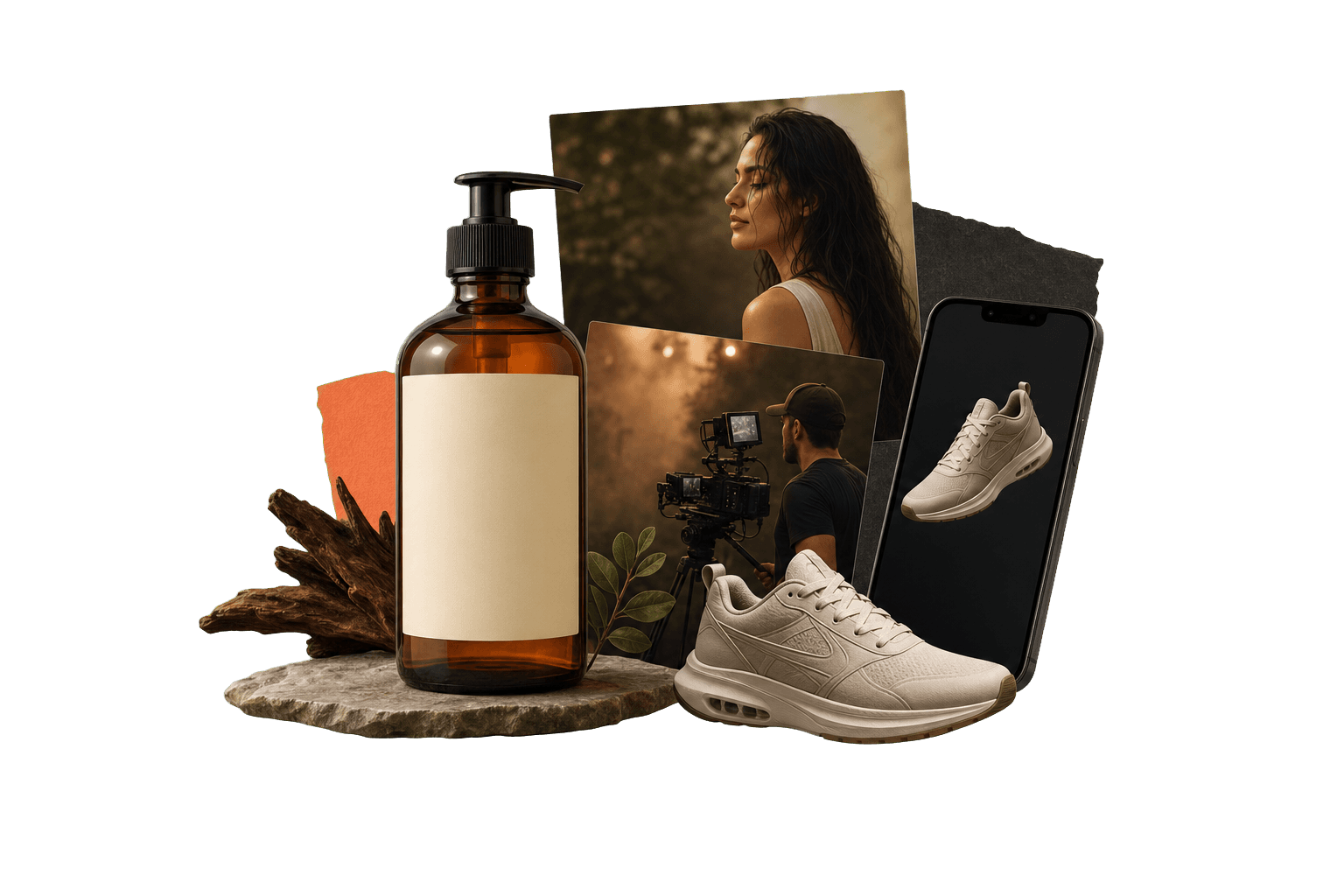
AI product photography generator
AI product photography generator: what it means in practice
An AI product photography generator helps ecommerce teams turn product references into clean product scenes, marketplace images, lifestyle visuals, and campaign assets. Genflow adds a reusable workflow layer so the same visual system can be adapted across SKUs, launches, and channels.
Best for product scenes, PDP visuals, and campaign variants.
Inputs can include product photos, references, prompts, and brand rules.
Outputs can become reusable templates instead of one-off images.
Combine image editing, model selection, and batch-style creative iteration on one canvas.
Start from marketplace templates and adapt them for your brand assets.
How teams use Genflow as an AI product photography generator
This visible workflow map gives readers and answer engines a compact version of the process before they open Studio.
Start with the product asset
Bring the product photo, reference angle, or visual brief that defines the ecommerce output.
Save the repeatable prompt logic
Keep the model choice, prompt structure, lighting direction, and output constraints together.
Reuse it for the next SKU
Swap the product input while preserving the visual system for consistent storefront creative.
Key stats
A compact snapshot of templates, topics, and production fit before you open Studio.
Related templates
0
Pulled from the live Genflow Marketplace
Topic tags
5
ecommerce, product, image, ads
Workflow angles
3
Reusable production patterns
Next step
Studio
Open a reusable workflow workspace
Build the first reusable workflow
Copy a related template into Genflow Studio, replace the example assets with your product or campaign inputs, and save the workflow for repeatable production.
FAQ
What is AI product photography generator?
An AI product photography generator helps ecommerce teams turn product references into clean product scenes, marketplace images, lifestyle visuals, and campaign assets. Genflow adds a reusable workflow layer so the same visual system can be adapted across SKUs, launches, and channels.
How does Genflow support this workflow?
Generate product scenes, variants, and campaign visuals from reusable workflows. Combine image editing, model selection, and batch-style creative iteration on one canvas. Start from marketplace templates and adapt them for your brand assets.
Which templates should I start with?
Start with Genflow Marketplace templates tagged ecommerce, product, image, ads, marketing. You can copy a template into Studio and adapt the assets, prompts, and model steps.
Can teams reuse these workflows?
Yes. Genflow templates and Studio workflows are designed so repeatable creative production steps can be reused across products, campaigns, and markets.
Can this guide help my team choose a workflow?
Yes. It explains the use case, links to related templates, and shows practical workflow signals so your team can decide what to try first.
Related workflow paths
These links connect the use case to comparison, template, and field-note pages so search crawlers and AI answer systems can follow the topic cluster.
Image workflow
Genflow vs Midjourney for AI Image Production
Compare standalone image generation with reusable ecommerce production workflows.
Design workflow
Genflow vs Recraft for AI Design Workflows
See when design asset generation should become a repeatable production system.
Template path
Product image templates
Browse marketplace templates tagged for product and ecommerce visual production.
Field note
Scaling ecommerce AI images
Read the production playbook behind faster image and video asset creation.
Related marketplace templates will appear here as they are published.