Growth teams building a repeatable creative testing pipeline.
Tools
AI Ad Creative Generator Workflow
Create ad concepts from product context, hooks, images, and reusable workflow templates rather than isolated creative outputs.
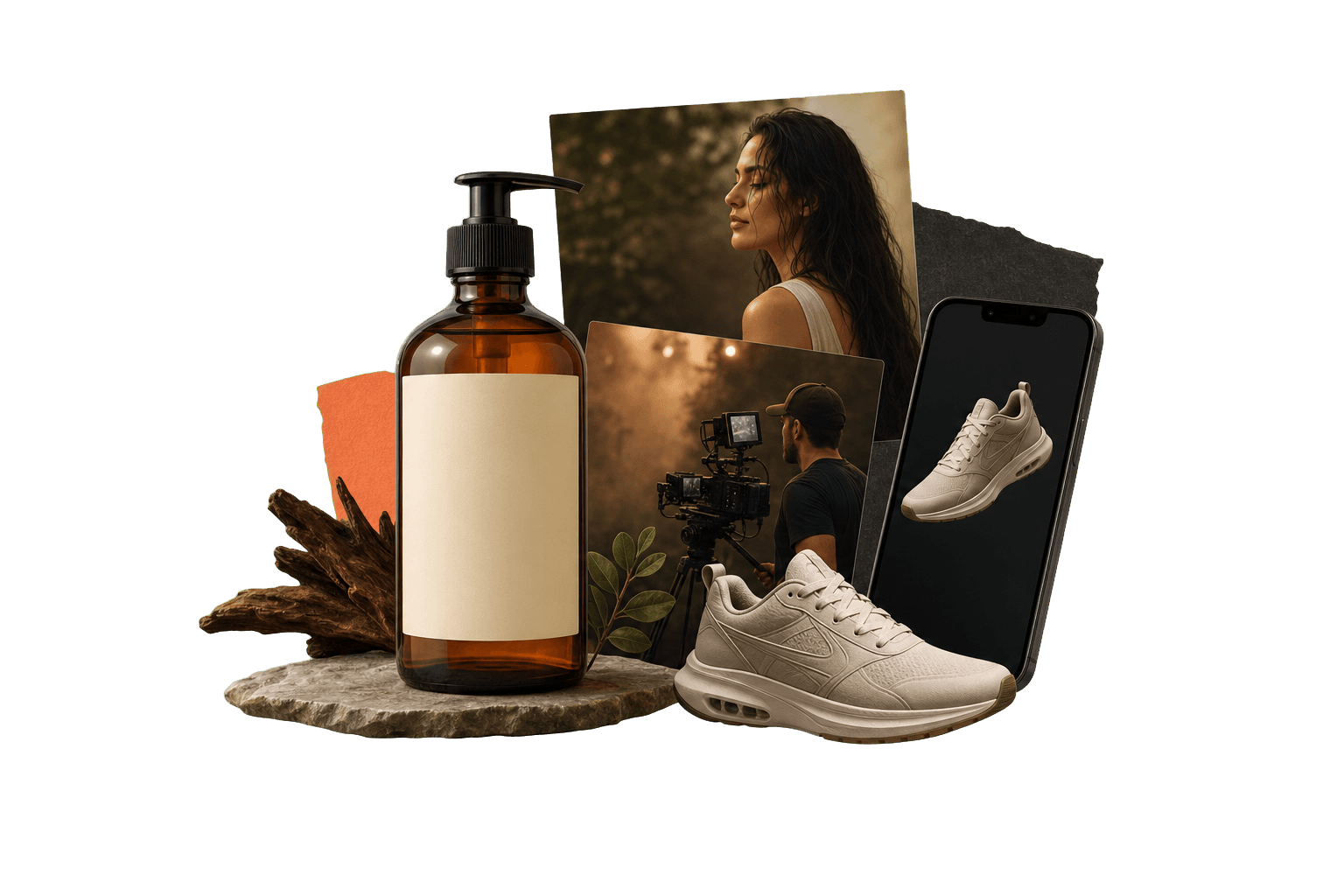
AI ad creative generator
Save the process, not just the output.
An AI ad creative generator helps produce images, videos, hooks, and variants for campaigns. Genflow adds workflow memory, so a winning ad production process can be saved, copied, and adapted for future tests.
Best for teams testing many campaign angles from shared product inputs.
Supports image, video, UGC, and workflow-template creative paths.
Helps preserve the reasoning behind a winning creative structure.
Built for teams that repeat creative work.
The page gives visitors and answer engines a practical view of where the workflow fits, how it runs, and what to try next.
Ecommerce marketers adapting one offer into multiple ad concepts.
Agencies packaging campaign workflows for recurring client work.
Campaign angle memory
Save the offer, audience, product claim, and creative format with the generation steps.
Cross-format production
Move from image concept to video or social creative without losing workflow context.
Variant discipline
Keep what changed between versions visible so teams can learn faster.
Direct answer
AI ad creative generator: direct answer
An AI ad creative generator helps produce images, videos, hooks, and variants for campaigns. Genflow adds workflow memory, so a winning ad production process can be saved, copied, and adapted for future tests.
Best for teams testing many campaign angles from shared product inputs.
Supports image, video, UGC, and workflow-template creative paths.
Helps preserve the reasoning behind a winning creative structure.
How to use Genflow for AI ad creative generator
A compact workflow map for readers, crawlers, and AI answer systems.
Map the ad angle
Define audience, offer, product claim, proof point, and channel constraints.
Generate and compare variants
Use templates to produce and review multiple creative directions from one workflow.
Keep the winning path
Copy or save the structure that worked for the next product, market, or channel.
Workflow vs one-off generator.
This comparison helps visitors understand why Genflow is about reusable creative production rather than a single output.
Learning loop
Genflow
Preserves the production process behind each variant.
One-off tool
Focuses on creating the next asset.
Format range
Genflow
Connects product visuals, video, UGC, and template reuse.
One-off tool
Often focused on one ad format.
Workflow handoff
Genflow
Share the full ad system with teammates.
One-off tool
Share final creative or prompt notes.
| Criteria | Genflow | One-off tool |
|---|---|---|
| Learning loop | Preserves the production process behind each variant. | Focuses on creating the next asset. |
| Format range | Connects product visuals, video, UGC, and template reuse. | Often focused on one ad format. |
| Workflow handoff | Share the full ad system with teammates. | Share final creative or prompt notes. |
FAQ
What is AI ad creative generator?
An AI ad creative generator helps produce images, videos, hooks, and variants for campaigns. Genflow adds workflow memory, so a winning ad production process can be saved, copied, and adapted for future tests.
What makes a good AI ad creative workflow?
A good workflow keeps the product context, audience, offer, visual references, prompts, and review criteria together.
Can Genflow create both image and video ad workflows?
Yes. Genflow is designed for multimodal workflows, so teams can connect image, video, script, and template steps.
Should I start from a template?
Starting from a template is usually faster because it gives you a working production structure to adapt.
Can I reuse the workflow after the first output?
Yes. Genflow is designed around reusable workflows, so prompts, inputs, model choices, and output rules can be copied into future production runs.
Continue the workflow path
Move from this tool query into related tools, use cases, comparisons, and marketplace topics.
Tool
AI UGC Video Generator for Product Ads
Turn one product image into creator-style video ads, test opening hooks, and reuse the winning workflow across campaigns.
Tool
AI Video Generator for Repeatable Creative Workflows
Generate video concepts while keeping prompts, references, model choices, and output logic together as reusable Genflow workflows.
Use case
AI Video Ads and Campaign Creative
Plan, generate, and iterate AI video ad concepts in Genflow using reusable templates, visual references, and multimodal generation pipelines.
Compare
Genflow vs Creatify for AI Video Ads
Compare a dedicated AI creative tool with reusable Genflow workflows.
Start from a reusable production path
Copy a related template into Studio, replace the example inputs, and keep the creative workflow reusable for future campaigns.