Ecommerce teams scaling visual production across SKUs.
Tools
AI Product Photography Workflow Generator
Turn product photos and brand references into repeatable AI image workflows for storefronts, listings, and campaigns.
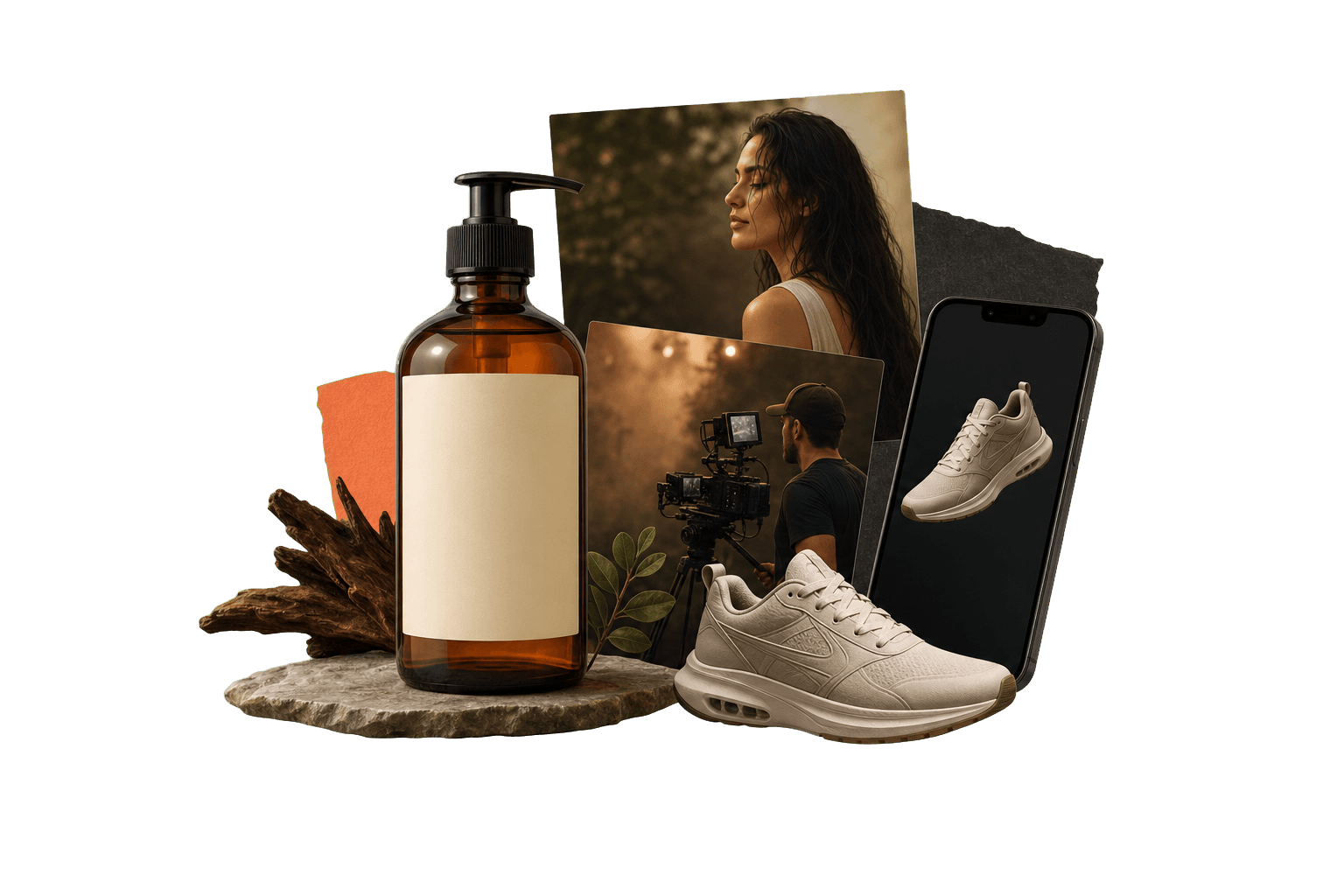
AI product photography
Save the process, not just the output.
AI product photography uses generation and editing models to create product scenes, lifestyle images, and commerce visuals. Genflow helps teams make that process reusable, so the same visual system can support many SKUs and campaigns.
Best for ecommerce PDP images, campaign assets, and lifestyle scenes.
Keeps product inputs, style direction, and model choices together.
Supports repeatable visual systems across a product catalog.
Built for teams that repeat creative work.
The page gives visitors and answer engines a practical view of where the workflow fits, how it runs, and what to try next.
Brand teams preserving lighting, camera angle, and composition rules.
Agencies creating reusable product scene systems for clients.
Visual consistency
Keep lighting, background, crop, and style rules attached to the product workflow.
Catalog reuse
Swap the source product while preserving the same scene structure.
Commerce handoff
Connect generated visuals to template, listing, and campaign use cases.
Direct answer
AI product photography: direct answer
AI product photography uses generation and editing models to create product scenes, lifestyle images, and commerce visuals. Genflow helps teams make that process reusable, so the same visual system can support many SKUs and campaigns.
Best for ecommerce PDP images, campaign assets, and lifestyle scenes.
Keeps product inputs, style direction, and model choices together.
Supports repeatable visual systems across a product catalog.
How to use Genflow for AI product photography
A compact workflow map for readers, crawlers, and AI answer systems.
Bring the product reference
Start with a packshot, raw product photo, or brand-approved visual reference.
Define the scene system
Save background, lighting, angle, prompt structure, and editing constraints.
Scale across the catalog
Reuse the same workflow for the next SKU, collection, or launch campaign.
Workflow vs one-off generator.
This comparison helps visitors understand why Genflow is about reusable creative production rather than a single output.
Catalog scale
Genflow
Built for repeated SKU workflows.
One-off tool
Built for individual generated images.
Brand rules
Genflow
Stores style and process context together.
One-off tool
Requires users to restate rules per generation.
Template fit
Genflow
Can publish and copy product visual workflows.
One-off tool
Usually shares only final images or prompts.
| Criteria | Genflow | One-off tool |
|---|---|---|
| Catalog scale | Built for repeated SKU workflows. | Built for individual generated images. |
| Brand rules | Stores style and process context together. | Requires users to restate rules per generation. |
| Template fit | Can publish and copy product visual workflows. | Usually shares only final images or prompts. |
FAQ
What is AI product photography?
AI product photography uses generation and editing models to create product scenes, lifestyle images, and commerce visuals. Genflow helps teams make that process reusable, so the same visual system can support many SKUs and campaigns.
Can AI product photography replace a full photoshoot?
It can reduce the need for repeated visual tests and campaign variations, but teams should still review outputs for product accuracy and brand requirements.
What inputs should I prepare?
Prepare product photos, reference scenes, brand rules, crop requirements, and examples of the visual style you want to repeat.
Can Genflow help with marketplace images?
Yes. Workflows can be adapted for PDP images, storefront visuals, listing graphics, and campaign assets.
Can I reuse the workflow after the first output?
Yes. Genflow is designed around reusable workflows, so prompts, inputs, model choices, and output rules can be copied into future production runs.
Continue the workflow path
Move from this tool query into related tools, use cases, comparisons, and marketplace topics.
Tool
AI Image Generator Workflow for Creative Teams
Use AI image generation as a repeatable production system with preserved inputs, prompts, references, and template logic.
Tool
Image to Video AI for Cinematic Shots
Turn one still image into a cinematic moving shot with controlled camera motion, atmosphere, and continuity.
Use case
AI Product Visuals for Ecommerce
Use Genflow to turn product shots, references, and prompts into reusable AI workflows for ecommerce visuals, campaigns, and storefront creative.
Compare
Genflow vs Midjourney for AI Image Production
Compare a dedicated AI creative tool with reusable Genflow workflows.
Start from a reusable production path
Copy a related template into Studio, replace the example inputs, and keep the creative workflow reusable for future campaigns.