Motion direction
Keep camera movement, pacing, and scene notes visible beside the source image.
Turn one still frame into film-quality motion with controlled camera direction, atmosphere, and continuity.
No credit card required
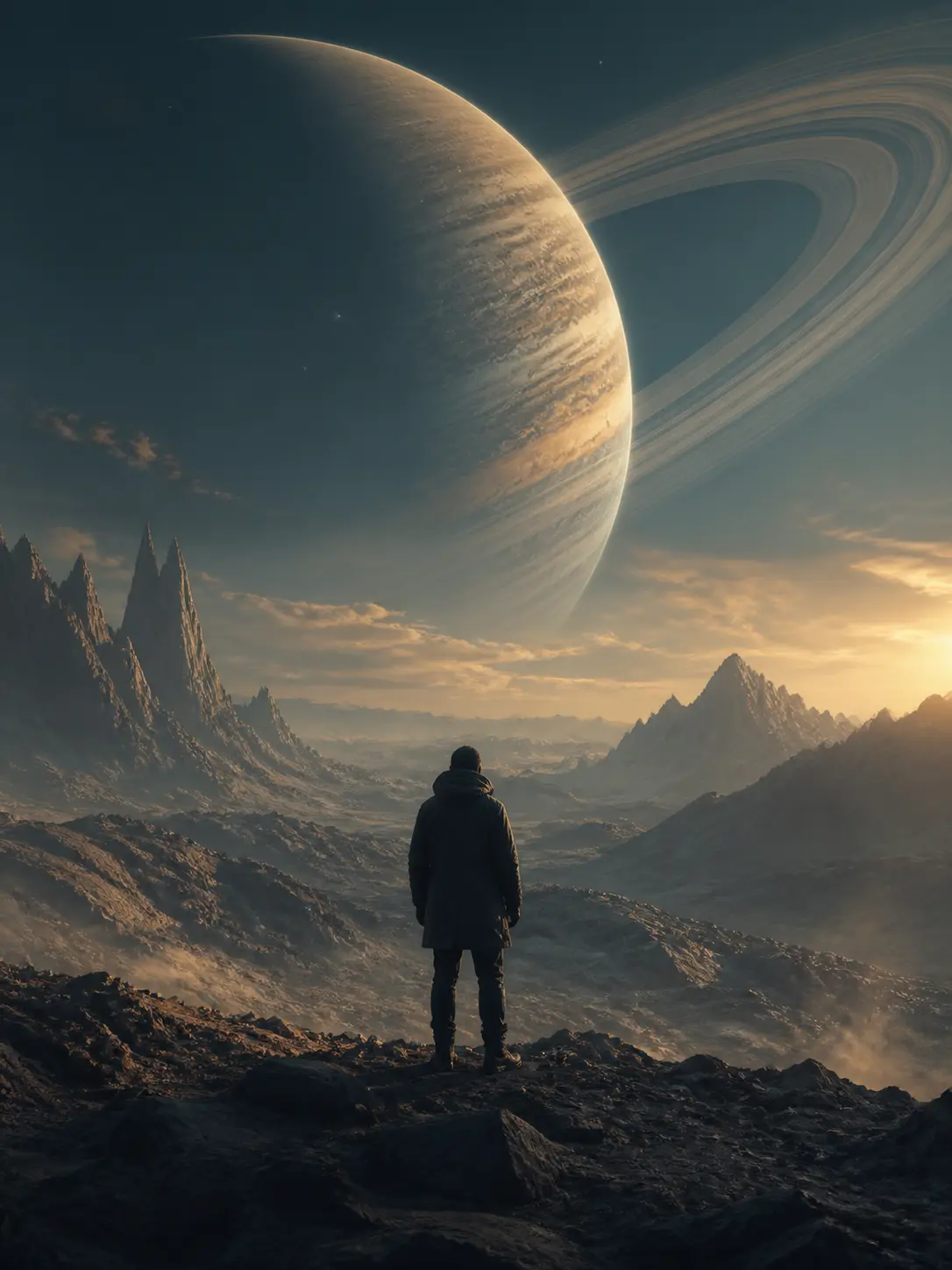
Prompt: Slow forward dolly, wind-blown dust, subtle parallax, preserve the explorer.
Cinematic motion templates
Each template packages camera behavior, atmosphere, and continuity rules into a reusable cinematic brief.
Keep camera movement, pacing, and scene notes visible beside the source image.
Replace the still image while keeping the proven animation logic intact.
Run the same image-to-video path for multiple products, concepts, or aspect ratios.
A compact workflow map for readers, crawlers, and AI answer systems.
Start with a product photo, character frame, campaign visual, or lifestyle reference.
Set camera movement, subject action, lighting continuity, and output constraints.
Reuse the same workflow with fresh assets instead of rewriting instructions each time.
This comparison helps visitors understand why Genflow is about reusable creative production rather than a single output.
Genflow
Stores image, prompt, motion notes, and review context.
One-off tool
Usually stores only the uploaded image and output.
Genflow
Designed to swap inputs while keeping the workflow.
One-off tool
Often starts from a blank upload flow.
Genflow
Connects motion output to a larger creative system.
One-off tool
Optimized for quick conversion.
| Criteria | Genflow | One-off tool |
|---|---|---|
| Source control | Stores image, prompt, motion notes, and review context. | Usually stores only the uploaded image and output. |
| Repeatability | Designed to swap inputs while keeping the workflow. | Often starts from a blank upload flow. |
| Campaign fit | Connects motion output to a larger creative system. | Optimized for quick conversion. |
Image to video AI converts a still image into motion. Genflow helps teams package that conversion into a reusable workflow, so the same image-to-video process can be adapted across products, creators, and campaign formats.
Genflow keeps the source image, motion prompt, model choices, and repeatable workflow together so the process can be reused.
Yes. Product images can become repeatable motion concepts for ads, social posts, storefront content, and campaign tests.
Yes. Genflow is designed around reusable workflows, so prompts, inputs, model choices, and output rules can be copied into future production runs.
Move from this tool query into related tools, use cases, comparisons, and marketplace topics.
Tool
Generate video concepts while keeping prompts, references, model choices, and output logic together as reusable Genflow workflows.
Tool
Turn product context into repeatable video workflows for PDP clips, social commerce, storefront content, and campaign testing.
Use case
Use Genflow to turn product shots, references, and prompts into reusable AI workflows for ecommerce visuals, campaigns, and storefront creative.
Compare
Compare a dedicated AI creative tool with reusable Genflow workflows.
Copy a related template into Studio, replace the example inputs, and keep the creative workflow reusable for future campaigns.