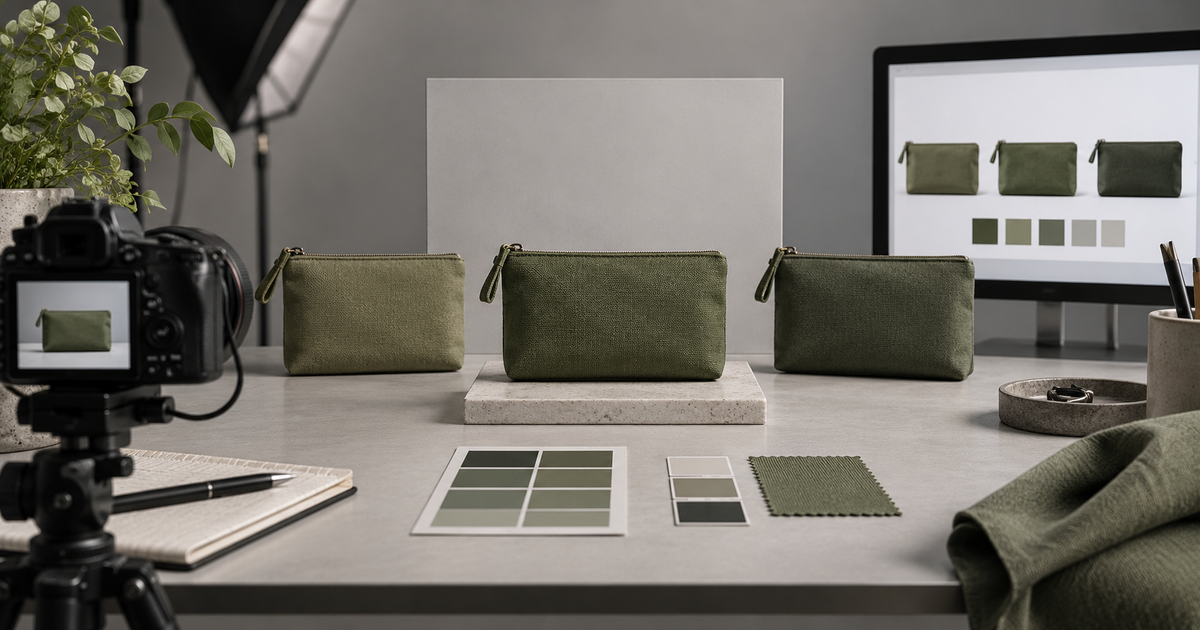
Color accuracy for ecommerce is not “make this swatch look good on my screen.” It is a traceable relationship between the sellable variant, approved reference evidence, source image, editing decisions, web derivative, product data, and the live destination.
No workflow can make an uncalibrated phone, office laptop, and studio display show an identical color. A defensible workflow can preserve a known interpretation, reveal where a conversion occurs, keep each image attached to the correct SKU, and block a listing when the image no longer represents the variant.
Genflow Editorial prepared this guide with AI assistance and reviewed the linked sources and product claims on October 12, 2026. The worked example is fictional. No product, reference target, display, file, feed, or marketplace preview was measured for this article. The Color-Critical SKU Release Record is an original planning and QA tool, not a certification of color accuracy or marketplace acceptance.
Start with the variant, not the edit
Write down exactly what is being sold before opening an image editor:
- SKU and variant ID;
- customer-facing color name;
- material and finish;
- approved physical sample or other authorized reference;
- whether the image is a factual listing asset, a lifestyle image, or an advertising concept;
- destination and current policy source;
- person allowed to accept a documented deviation.
Google Merchant Center's current image link guidance asks sellers to use a distinct image for each variant and says the image should accurately reflect the selected version's color, pattern, finish, and material. Its color attribute guidance also asks for the same customer-facing color value in product data and on the landing page.
Those rules do not tell an editor which pixels are correct. They establish a release relationship: the variant image, feed value, and product detail page must describe the same item.
Choose an authorized color reference
The reference might be an approved physical sample reviewed under controlled conditions, a brand-approved measured standard, or a previously approved master with documented limitations. A random website image, supplier thumbnail, or screenshot is not automatically a color truth.
Record who approved the reference, when, under what lighting or viewing condition, and for which material. Gloss, metallic finishes, translucent materials, texture, and directional fabric can change with angle and light. One flat RGB value cannot describe every appearance of a physical surface.
If a neutral or color target is captured, keep that frame with the shoot. Calibrite's ColorChecker Passport guide describes neutral white- and gray-balance targets as references under different lighting conditions. Owning or photographing a target does not prove that the final derivative is accurate; it supplies evidence that must remain connected to the source and processing path.
Preserve the capture or generation context
For a photographed source, record the camera/source file, lens if relevant, lighting setup, white-balance method, reference-target frame, and any camera or raw profile. When light, camera, product batch, set, or exposure changes materially, reopen the reference decision.
For an AI-assisted or generated candidate, preserve the real product inputs, approved references, prompt, model, exposed settings, and output ID. Do not assume a plausible render is a factual product image. Compare the exact output with the authorized variant reference. If hue, finish, translucency, texture, label, or geometry cannot be verified, route the image to a concept/lifestyle role or reject it for factual listing use.
Genflow's AI product photography tool can help teams organize product inputs and image-generation workflow context. It does not calibrate cameras or displays, create ICC profiles, measure color difference, validate a physical sample, or certify a listing.
Build a Color-Critical SKU Release Record
Use one row per SKU, image role, and destination derivative.
| Field | Record this evidence |
|---|---|
| Product identity | SKU, variant ID, color name, material, finish, batch if relevant |
| Image role | Factual primary, alternate angle, detail, lifestyle, or advertising concept |
| Authorized reference | Physical sample or approved master, owner, date, lighting/viewing notes, limitations |
| Source identity | Capture/raw file or generated output ID; input references, prompt/model/settings when applicable |
| Capture/reference state | Lighting, white balance, target frame, camera/input profile, and change triggers |
| Edit state | Working space, profile mismatch decision, adjustment history, retoucher, version |
| Web derivative | File ID, dimensions, format, destination profile/conversion, embedded-profile state if checked |
| Commerce mapping | Feed color value, landing-page color name, variant image URL, destination policy/date |
| Destination preview | Exact PDP, feed preview, marketplace preview, device/browser/viewing notes |
| Deviations | What differs from the authorized reference, why, risk, and exception owner |
| Decision | Planned, hold, repair, approved, superseded, or withdrawn; reviewer and time |
| Reopen trigger | New batch/sample, lighting change, source/edit/export replacement, platform processing change, customer evidence |
This record makes “looks right” insufficient. Approval points to a variant, a reference, an exact derivative, and a destination observation.
Handle profiles without guessing
A profile tells color-managed software how to interpret numeric color values. The International Color Consortium's color-management FAQ explains the relationship between device data, source and destination profiles, and a standard connection space. A profile is not a creative look and does not make every display identical.
Adobe's current profile-handling guidance distinguishes embedded, missing, and mismatched profiles. Preserve the original interpretation before converting. Assigning a profile and converting to a profile are different decisions: one changes how existing numbers are interpreted; the other changes numbers to preserve appearance in a destination space.
For web delivery, Adobe documents an sRGB conversion workflow. Treat it as an output procedure to test, not a promise that every consumer device will match the studio display.
Platform behavior also matters. Shopify's image upload documentation states that its online-store image handling removes color profiles and describes sRGB assumptions for unprofiled images. That is Shopify-specific evidence reviewed on the date above. Do not project it onto every channel; record the current behavior or documentation for each destination.
Normalize only to an approved reference
Batch normalization can improve repeatability, but it can also propagate a bad reference across an entire catalog. Capture One's official Normalize tool guidance describes matching color and luminosity across images and recommends flat targets for sampling.
Before copying adjustments:
- verify the target belongs to the same lighting and capture state;
- confirm the sampled area is appropriate and not reflective, translucent, shadowed, or clipped;
- apply the change to a successor version;
- compare a representative light, midtone, dark, saturated, and material-sensitive area;
- check that neutralization did not remove an intentional finish or material cue;
- keep the unnormalized source and the approved reference available.
Do not invent a universal numeric threshold. If a brand or category requires instrumental measurement, record the device, method, target, tolerance, operator, and result. Without those observations, leave measurement fields blank.
Separate factual listing images from creative color
A lifestyle image can use atmosphere, colored light, or a deliberate grade. A factual primary image has a different job: help the shopper identify the exact item being offered. State the image role and keep the factual reference available elsewhere in the listing set.
If an advertising concept intentionally changes color, do not silently reuse it as the selected variant's factual image. The existing product background consistency system owns background and scene rules. The ecommerce crop workflow owns product bounds and channel framing. This guide owns color-reference continuity and variant truth.
Verify the web derivative and destination
Inspect the file that will actually ship, not only the layered working document.
- Confirm the derivative belongs to the intended SKU and image role.
- Inspect its dimensions, format, profile/conversion state, and version identity.
- Compare it with the approved master in a color-managed path.
- Upload to a preview or staging destination when available.
- Confirm the correct variant image URL and color name appear together.
- Review the processed image on the destination, not just the local file.
- Sample more than one supported viewing path, while documenting that consumer displays vary.
- Check crops, thumbnails, zoom, alternate images, swatches, and mobile presentation for a variant mismatch.
If the destination changes the image, preserve both the local derivative and the processed observation. Decide whether to change the derivative, platform configuration, image role, or customer-facing description. Do not edit the master blindly to compensate for one unverified screen.
A fictional SKU record
Imagine an invented canvas pouch variant named Moss Field, SKU MF-P01. No pouch, file, target, display, or listing exists.
| Record field | Fictional planning value |
|---|---|
| Product identity | MF-P01; customer color name Moss Field; material canvas |
| Image role | Factual primary image |
| Authorized reference | Physical sample owner/date/viewing notes blank — required before approval |
| Source | Planned capture MF-C01; raw file and target-frame IDs blank |
| Edit state | Planned working file MF-E01; profile and adjustment history blank |
| Web derivative | Reserved ID MF-W01; actual file properties blank |
| Commerce mapping | Feed/PDP color value planned as Moss Field; live URLs blank |
| Destination preview | Blank — requires a processed preview of the exact derivative |
| Decision | PLANNED; cannot become approved from this article |
The example deliberately contains no color values, measurement score, “pass,” or marketplace result. Those fields require observation of real evidence.
Use a release rule that survives handoffs
Approve a color-critical product image only when another reviewer can trace:
- the sellable variant to an authorized reference;
- the reference to the exact source or generated candidate;
- the source through edit and profile decisions to a named web derivative;
- the derivative to the matching feed value, landing-page variant, and processed destination preview;
- every deviation to an owner and explicit decision.
Reopen the record when the physical batch or approved sample changes, the image is regenerated or retouched, a profile or conversion changes, a derivative is replaced, destination processing changes, or credible customer evidence reveals a mismatch.
Color accuracy is not a flattering grade. It is a controlled chain of identity and interpretation. Preserve that chain, disclose its limitations, and hold the listing when the selected variant cannot be supported by the image that shoppers will actually see.
Turn this method into a reusable workflow
Start from one product asset, ad concept, or template and save repeatable production steps as a Genflow workflow.