Responsible editor: Genflow Editorial · send a factual correction
Sources last checked: September 5, 2026
An AI product photography brief should define the sellable item, required image roles, source references, creative latitude, destination constraints, and pass conditions before anyone generates a frame. The brief sets the rules for the job; the shot list turns those rules into one executable row for each SKU, variant, view, and destination.
The practical test is simple: a producer who did not attend the kickoff should be able to read one row and know what to make, which facts cannot change, which references control the result, and who can accept it.
Evidence boundary: this is a pre-production planning template, not a promise that AI output will be accurate or that a particular image set will improve conversion. Destination requirements change. Confirm the current rules for the marketplace, storefront, category, country, and campaign before production.
Know which document you are building
Four artifacts are often collapsed into one vague prompt. Keep them separate.
| Artifact | Question it answers | When it is complete |
|---|---|---|
| Photography brief | What business and visual problem are we solving? | Scope, audience, truth constraints, style, owners, and review path are approved |
| Per-SKU shot list | Which exact images must exist? | Every required deliverable has one row and an acceptance state |
| Generation recipe | How will a tool attempt each row? | Inputs, model, prompt, settings, and workflow version are recorded |
| Release record | Did the approved file reach the correct destination? | Final asset, SKU, channel slot, feed or PDP, and public preview reconcile |
Shopify publishes separate product-photography and video brief templates, while specialist shot-list guidance commonly separates the project-level brief from row-level execution. That distinction matters more with AI because one reusable recipe can multiply an unresolved assumption across a whole catalog.
This guide stops at the approved shot list. Use the existing AI product photography workflow for generation design and the catalog image release checklist after outputs pass creative review.
Part 1: write the product-truth packet
Start with the item that is actually for sale, not a mood board. Store the packet in the team's project tool, DAM, spreadsheet, or other system of record.
Brief ID and version:
Product name:
SKU and variant IDs in scope:
Included quantity / bundle contents:
Current packaging version:
Approved dimensions and proportions:
Approved colors, materials, finishes, and patterns:
Required visible features:
Labels or marks that must remain exact:
Props or accessories that are not included:
Permitted demonstrations:
Approved claims and source records:
Forbidden or unverified claims:
Source-image IDs and rights owner:
Product owner:
Creative owner:
Final approver:
Use observable language. “Keep it premium” is direction; “one matte-black 30 ml bottle with a silver pump and no outer carton” is a checkable product fact.
Google Merchant Center's current image_link requirements say the image should accurately show the product and that variant attributes such as color, pattern, and material need to match. eBay's listing-picture guidance similarly emphasizes useful views, item condition, and clear bundle contents. Those destination rules are reasons to define truth before styling—not a substitute for the brief.
Hold the job if the product owner cannot resolve a product fact. A generated image cannot be used to decide what comes in the box.
Part 2: define the visual system and its freedom
Split creative direction into three levels so the production team knows what may vary.
Locked
- product identity, geometry, color, material, label, quantity, and included parts;
- approved logo files and exact legal or regulated copy;
- claims, qualifications, audience restrictions, and rights boundaries;
- destination role when it changes what the image may contain.
Controlled
- background family and surface;
- light direction, contrast, shadow hardness, and color temperature;
- camera height, lens feeling, angle, framing, and depth of field;
- prop category, human presence, wardrobe, and action;
- crop family and text-safe area.
Exploratory
- small prop arrangements;
- non-material background details;
- light variations within the approved range;
- alternate compositions that preserve every locked fact.
Attach positive references for each controlled choice. Also attach a small reject set when the forbidden result is easier to see than to describe—for example, mirror-like skin on a matte package, an oversized cap, or a lifestyle prop that looks included with the product.
Do not ask one reference to control everything. A catalog packshot may be authoritative for geometry and label placement but useless for lifestyle lighting. A campaign image may express the right mood while showing an older package.
Part 3: rank the source references
Create a hierarchy before references disagree.
R1 — Product identity: approved current packshots and dimensional record
R2 — Packaging and copy: current artwork or label master
R3 — Material and color: approved swatches or calibrated reference
R4 — Brand style: current visual system and campaign references
R5 — Scene direction: approved mood and composition examples
R6 — Negative examples: named failure and reason for rejection
For every source, record its ID, date, owner, rights state, and what it controls. If R1 and R4 conflict, product identity wins. If an older campaign visual shows discontinued packaging, it cannot be used as product truth.
This reference order is the bridge between a creative brief and an AI workflow. It prevents a producer from solving conflicts by choosing the most attractive image.
Part 4: build one row per required shot
Do not start from “make ten images.” Start from the buying question or channel job each image must answer.
| Row field | What to record |
|---|---|
| Shot ID | Stable ID such as SKU104-PDP-DETAIL-02 |
| SKU / variant | Exact sellable item, color, size, and package |
| Image role | Main, gallery, detail, scale, use, bundle, comparison, or campaign |
| Buyer question | What does this image help a shopper understand? |
| Required product view | Front, back, side, three-quarter, top, macro, in-hand, or in-use |
| Product state | Closed, open, assembled, worn, dispensed, powered, or packaged |
| Scene and props | Approved environment plus included/excluded prop notes |
| Crop / destination | Named channel and placement, ratio, and required clear area |
| Controlling references | Source IDs from the hierarchy |
| Locked facts | The subset that must be visible in this row |
| Allowed variation | What the producer or workflow may explore |
| Acceptance evidence | Exact observable conditions for pass |
| Owner / status | Draft, ready, generated, review, accepted, or blocked |
Here is a filled example for a fictional bottle:
Shot ID: BTL30-PDP-DETAIL-02
SKU / variant: BTL30 / clear / silver pump / single unit
Role: PDP detail
Buyer question: Is the dispenser a pump and how does the finish look?
Required view: three-quarter macro of neck and pump
Product state: closed; cap absent because this SKU ships without one
Scene: warm gray surface; no botanicals, water, or extra packaging
Crop: storefront gallery, square master with portrait-safe center
References: R1-pack-front-v4, R2-label-2026-08, R3-silver-swatch
Locked: pump geometry, silver finish, label spelling, bottle transparency
Allowed: small shadow and camera-height variation
Pass: one bottle; pump and collar match R1; label is readable at 100%; no implied accessory
Owner / status: product lead / ready
A current specialist shot-list template uses comparable production fields such as product, shot type, environment, angle, platform, props, notes, and status. The additional value here is assigning reference authority, locked facts, and observable acceptance conditions before an AI-assisted run.
Part 5: check coverage without inflating the list
Build a matrix with SKU variants on one axis and necessary image jobs on the other.
| Image job | Base SKU | Color variant | Bundle | New package |
|---|---|---|---|---|
| Product recognition | Required | Required | Required | Required |
| Alternate angle | Required | Reuse only if truthful | Required | Re-shoot label-facing views |
| Material / feature proof | Required | Required when appearance changes | As needed | Reuse if unchanged |
| Scale / use context | Required when size is unclear | Often reusable | Required if quantity changes | Usually reusable |
| Included contents | As needed | Reuse if identical | Required | Required if contents change |
“Reuse” must mean the image still represents the exact offer. It cannot mean copying the blue variant into the red product row because the composition is convenient.
At the same time, avoid manufacturing shots with no job. A listing does not need front, back, left, right, top, bottom, macro, lifestyle, and infographic views for every variant by default. Remove a row when it does not answer a buyer question, meet a destination requirement, or support an approved campaign decision.
Run the Unknowns Gate before generation
Filter the shot list for blanks and conflicts.
| Unknown | Example | Route | Blocking? |
|---|---|---|---|
| Product truth | Is the refill included? | Product owner | Yes |
| Destination rule | Can the main image show a prop? | Channel owner checks current policy | Yes for that placement |
| Rights | May the talent reference be reused? | Rights owner / legal | Yes |
| Style | Warm or neutral background? | Creative owner | Usually yes for production efficiency |
| Output detail | Exact crop not chosen | Channel owner | Yes when composition depends on it |
| Exploration | Two approved surfaces both work | Producer may test within budget | No |
Move only rows with no blocking unknowns to ready. Do not hide an unresolved fact inside a longer prompt.
Convert acceptance conditions into review evidence
Each row needs conditions a reviewer can prove from the output and its record.
Weak acceptance:
Looks realistic, premium, and on brand.
Reviewable acceptance:
The current single-unit bottle is the only sellable item shown.
The silver pump, transparent body, and front label match the controlling references.
The hand does not hide the dispenser.
No prop appears to be included.
The product and required detail remain visible in the named crop.
Any exact promotional copy is added from approved artwork in post-production.
Review at the final crop and at 100%, not only as a small contact sheet. When exact typography or regulated copy cannot be verified in generated pixels, request a clean composition and add approved type during editing.
How to use the brief in Genflow
Genflow's AI product photography tool brings source products, visual rules, and the selected generation model into a workflow that can be reused. Use the approved row as the input contract for one workflow run: attach the controlling sources, translate only the controlled and exploratory fields into scene direction, and preserve the shot ID with the output and workflow version.
The planning records in this guide are not claimed as native Genflow fields. Keep the master brief and shot-list status in the team's system of record, and link each accepted output to the corresponding row. Reuse a workflow only when the next row has compatible locked facts; swapping the source product does not inherit the previous SKU's approval.
Who prepared this guide and how
Genflow Editorial is accountable for this article. We examined ten public pages, current commerce-destination rules, and Genflow's live product description, then designed the preflight structure in this guide. Automated tools helped organize the source notes, develop the draft, and render its conceptual illustration.
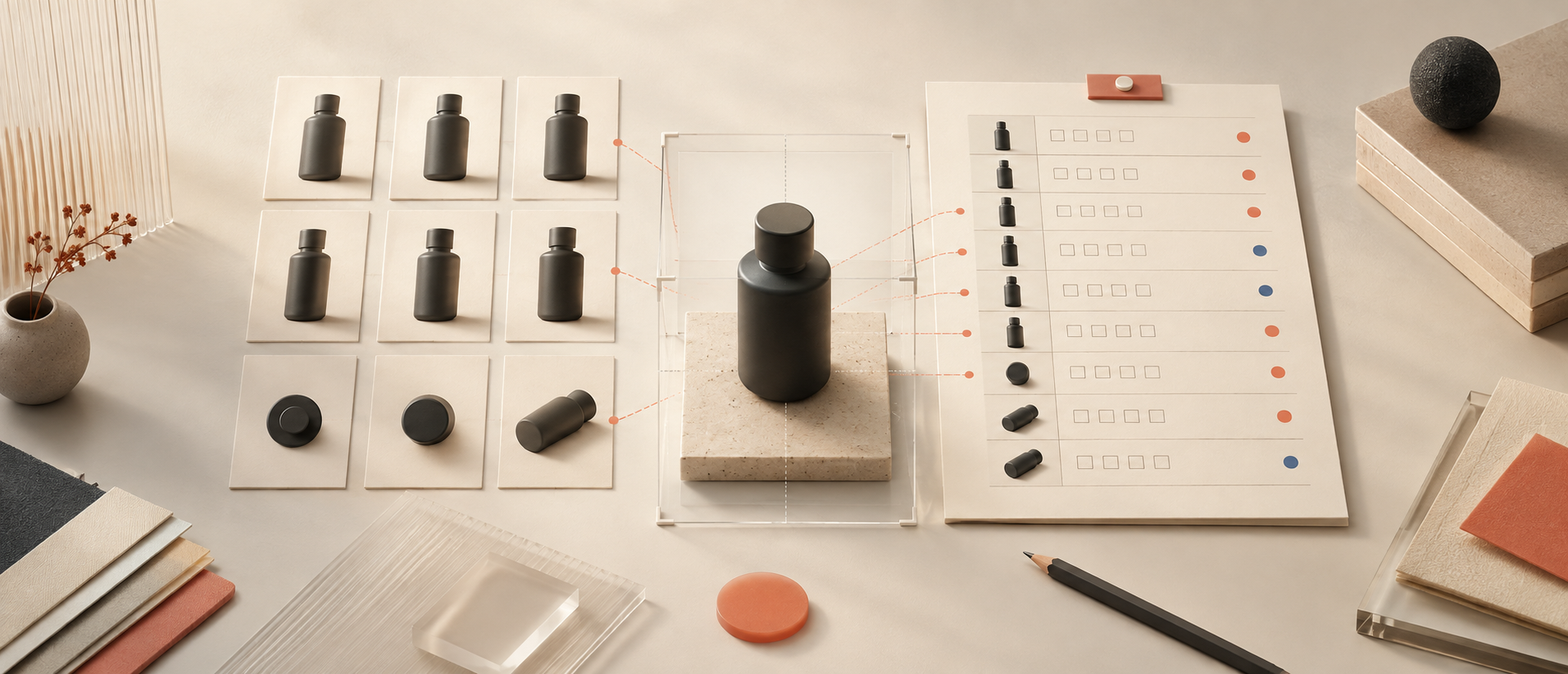
The illustration depicts an anonymous planning desk. It is neither a Genflow interface nor a customer SKU, and it should not be read as a production test. We report no accuracy rate, reshoot saving, conversion change, or marketplace acceptance result.
Make the next image a row, not a wish
Copy the product-truth packet, source hierarchy, shot-list fields, coverage matrix, and Unknowns Gate into the next photography brief. Approve the rows before generation. Then use Genflow to turn compatible rows into reusable workflows while keeping product facts and final acceptance under human control.
Turn this method into a reusable workflow
Start from one product asset, ad concept, or template and save repeatable production steps as a Genflow workflow.