Best for Genflow
Choose Genflow when video generation is one part of a larger repeatable creative workflow with images, prompts, references, and templates.
Compare Genflow and Runway for AI video production, reusable ad workflows, and multimodal creative pipelines.
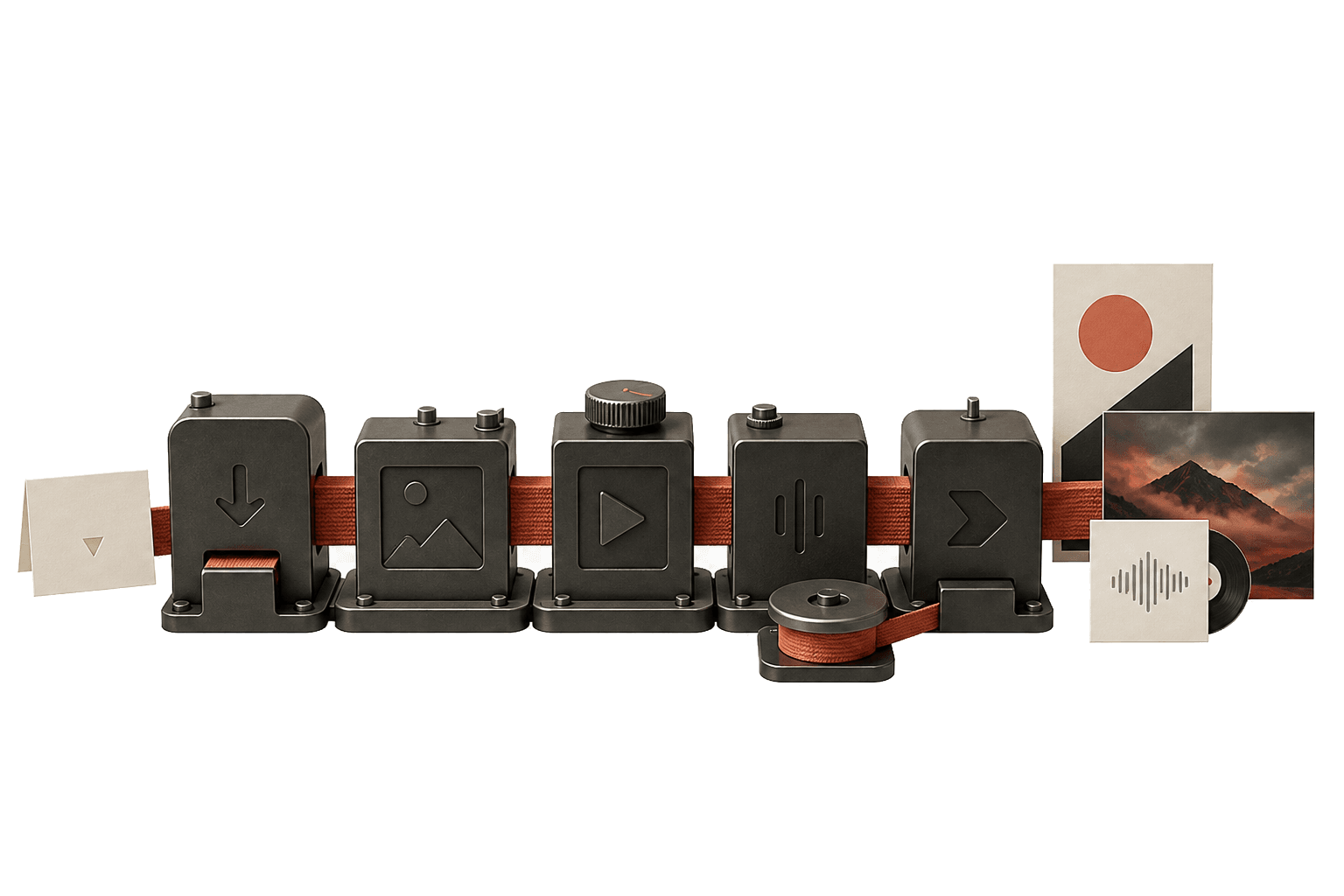
Direct answer
Runway is strong when the primary job is video generation or editing. Genflow is stronger when a team needs repeatable production systems that connect video with product assets, references, and campaign templates.
Choose Genflow when video generation is one part of a larger repeatable creative workflow with images, prompts, references, and templates.
Coordinate image, video, lip sync, and editing steps inside reusable Studio workflows.
Choose Runway when generate and edit ai video with a focused video creation toolset.
Choose Genflow when video generation is one part of a larger repeatable creative workflow with images, prompts, references, and templates.
Coordinate image, video, lip sync, and editing steps inside reusable Studio workflows.
Generate and edit AI video with a focused video creation toolset.
Runway is strong when the primary job is video generation or editing. Genflow is stronger when a team needs repeatable production systems that connect video with product assets, references, and campaign templates.
Decision stage
Evaluation
For teams comparing workflow tools
Next step
Studio
Try a reusable workflow in Genflow
Comparison focus
Genflow vs Runway
Side-by-side workflow evaluation
Answer format
FAQ + table
Easy to scan before choosing a tool
Open Genflow Studio, copy a marketplace template, and save the exact AI creative process your team wants to repeat.
Runway is strong when the primary job is video generation or editing. Genflow is stronger when a team needs repeatable production systems that connect video with product assets, references, and campaign templates.
Genflow
Canvas-based workflows that connect multiple generation steps.
Runway
Focused AI video creation and editing workspace.
Genflow
Marketplace and team templates for repeated ad and visual pipelines.
Runway
Project-level assets and video workflows.
Genflow
Image, video, prompt, and template steps in one workflow.
Runway
Video-first creative production.
| Criteria | Genflow | Runway |
|---|---|---|
| Production shape | Canvas-based workflows that connect multiple generation steps. | Focused AI video creation and editing workspace. |
| Reusable templates | Marketplace and team templates for repeated ad and visual pipelines. | Project-level assets and video workflows. |
| Cross-format work | Image, video, prompt, and template steps in one workflow. | Video-first creative production. |
Runway is strong when the primary job is video generation or editing. Genflow is stronger when a team needs repeatable production systems that connect video with product assets, references, and campaign templates.
Genflow is especially useful for teams that need repeatable AI video ad workflows across many products, concepts, and campaigns.
It can handle repeatable video production flows, but dedicated video tools may still be useful for detailed timeline editing.
Yes. Genflow Marketplace templates can be copied into Studio, edited, and reused as production workflows for future creative tasks.
Compare the repeatability of the workflow, the handoff between teammates, template reuse, and whether the tool can connect multiple AI generation steps instead of only producing one final asset.
Yes. It gives a quick answer, practical evaluation points, and a clear next step for teams comparing repeatable AI creative workflows.
Move from the comparison query into use cases, templates, and field notes that explain how the workflow is actually reused.
Use case
Plan, generate, and iterate AI video ad concepts in Genflow using reusable templates, visual references, and multimodal generation pipelines.
Use case
Build reusable AI creative workflows in Genflow so teams can turn repeatable generation tasks into shareable templates and production systems.
Template path
Browse Genflow templates that can be copied into Studio and adapted for production.
Field note
Read how one-off creative outputs become repeatable AI production systems.