Creative teams that repeat the same image or video production logic across products, campaigns, or clients.
Tools
Creative Workflow Automation Tool for Reusable AI Production
Use Genflow when the repeated job is an AI image or video production path. Keep project routing, formal approvals, and CRM automation in the systems built for those jobs.
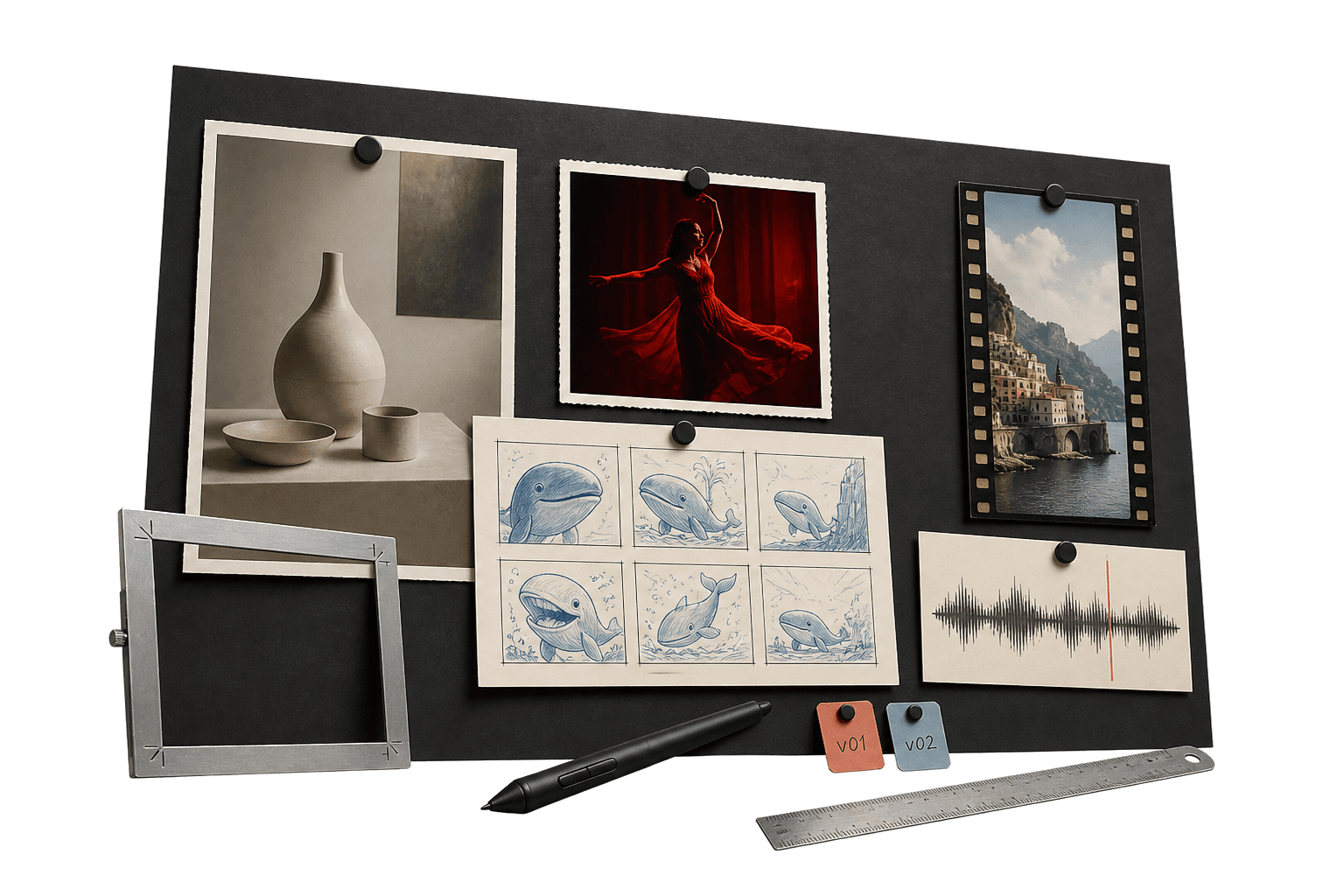
creative workflow automation tools
Save the process, not just the output.
Creative workflow automation tools reduce repeated setup across briefs, inputs, model steps, outputs, and handoffs. Genflow is built for visual AI production: teams can save generation workflows in Studio and turn a proven workflow into a reusable Marketplace template. It is not a general approval, notification, or CRM automation system.
Choose Genflow when the repeatable unit is a creative generation path, not a general business process.
Pilot one real brief and score repeatability, controllability, reviewability, reuse, and boundary fit.
Keep a human approval step for product accuracy, claims, rights, brand rules, and release readiness.
Built for teams that repeat creative work.
The page gives visitors and answer engines a practical view of where the workflow fits, how it runs, and what to try next.
Operators who need to compare supported generation models without rebuilding the whole production path.
Creators who want to package a stable saved workflow as a reusable Marketplace template.
Saved visual workflows
Arrange inputs and supported generation steps on the Studio canvas, save the workflow, and reuse the same production path with new source assets.
Model choice inside the process
Keep the task and handoff stable while selecting from the image and video generation options currently supported and exposed in Genflow.
Template reuse and publishing
Copy a Marketplace workflow into Studio, or turn a saved workflow into a template after its inputs, outputs, and review boundaries are clear.
Direct answer
creative workflow automation tools: direct answer
Creative workflow automation tools reduce repeated setup across briefs, inputs, model steps, outputs, and handoffs. Genflow is built for visual AI production: teams can save generation workflows in Studio and turn a proven workflow into a reusable Marketplace template. It is not a general approval, notification, or CRM automation system.
Choose Genflow when the repeatable unit is a creative generation path, not a general business process.
Pilot one real brief and score repeatability, controllability, reviewability, reuse, and boundary fit.
Keep a human approval step for product accuracy, claims, rights, brand rules, and release readiness.
How to use Genflow for creative workflow automation tools
A compact workflow map for readers, crawlers, and AI answer systems.
Define one repeated creative job
Choose a real brief with known inputs, required outputs, failure conditions, and a named human approver.
Build and run a controlled pilot
Save the workflow, run representative assets, and change one model or instruction at a time when an output fails review.
Score fit before scaling
Confirm the path is repeatable, controllable, reviewable, reusable, and limited to work Genflow actually handles before publishing a template.
Workflow vs one-off generator.
This comparison helps visitors understand why Genflow is about reusable creative production rather than a single output.
Primary job
Genflow
Repeatable AI image and video generation workflows.
One-off tool
A single generation or edit with minimal process reuse.
Automation boundary
Genflow
Creative inputs, generation steps, outputs, and reusable templates.
One-off tool
Usually stops after one asset; scope varies by product.
Human control
Genflow
Teams define the workflow and retain the release decision outside generation.
One-off tool
A person reviews each result, often without a saved multi-step path.
Proof of fit
Genflow
Run one representative brief and inspect every required output and handoff.
One-off tool
Judge the individual result and whether manual setup is acceptable.
Reuse
Genflow
Save the workflow and optionally publish a stable version as a template.
One-off tool
Reuse may depend on copying prompts or settings by hand.
| Criteria | Genflow | One-off tool |
|---|---|---|
| Primary job | Repeatable AI image and video generation workflows. | A single generation or edit with minimal process reuse. |
| Automation boundary | Creative inputs, generation steps, outputs, and reusable templates. | Usually stops after one asset; scope varies by product. |
| Human control | Teams define the workflow and retain the release decision outside generation. | A person reviews each result, often without a saved multi-step path. |
| Proof of fit | Run one representative brief and inspect every required output and handoff. | Judge the individual result and whether manual setup is acceptable. |
| Reuse | Save the workflow and optionally publish a stable version as a template. | Reuse may depend on copying prompts or settings by hand. |
FAQ
What is creative workflow automation tools?
Creative workflow automation tools reduce repeated setup across briefs, inputs, model steps, outputs, and handoffs. Genflow is built for visual AI production: teams can save generation workflows in Studio and turn a proven workflow into a reusable Marketplace template. It is not a general approval, notification, or CRM automation system.
How is Genflow different from general workflow automation software?
Genflow focuses on creative generation workflows for images and video. It is not positioned as a CRM automation system, a project-management suite, a DAM, or a formal approval router.
What should a creative team test in a pilot?
Use one representative brief and check whether the same inputs and steps produce reviewable outputs, whether failures can be isolated, whether a teammate can reuse the path, and whether external handoffs remain clear.
Does creative workflow automation remove human review?
No. Automation reduces repeated setup. A person should still approve product accuracy, claims, rights, brand rules, and release readiness before an asset ships.
Can a saved Genflow workflow become a template?
Yes. After saving and validating a workflow, a creator can publish it as a template for reuse. The template should make its expected inputs, outputs, and review responsibilities clear.
Can I reuse the workflow after the first output?
Yes. Genflow is designed around reusable workflows, so prompts, inputs, model choices, and output rules can be copied into future production runs.
Continue the workflow path
Move from this tool query into related tools, use cases, comparisons, and marketplace topics.
Tool
AI Video Generator for Repeatable Creative Workflows
Generate video concepts while keeping prompts, references, model choices, and output logic together as reusable Genflow workflows.
Tool
AI Image Generator Workflow for Creative Teams
Use AI image generation as a repeatable production system with preserved inputs, prompts, references, and template logic.
Use case
AI Workflow Automation for Creative Teams
Build reusable AI creative workflows in Genflow so teams can turn repeatable generation tasks into shareable templates and production systems.
Compare
Genflow vs Canva for AI Creative Workflows
Compare a dedicated AI creative tool with reusable Genflow workflows.
Start from a reusable production path
Copy a related template into Studio, replace the example inputs, and keep the creative workflow reusable for future campaigns.