By Genflow Editorial · corrections and support
Evidence reviewed: September 3, 2026
Evaluate a creative MCP server by what happens around generation, not by model count alone. Before connecting one to an agent, verify its owner, transport, tool boundaries, permissions, approval behavior, asset path, cost visibility, run recovery, output provenance, and revocation process. Then run a small acceptance test with a disposable asset and a fixed budget.
That approach answers the question a feature table misses: can your team control a real image or video job from request to approved output without exposing more data, spend, or write access than the job requires?
Evidence boundary: Genflow did not run a cross-vendor image or video benchmark for this guide. Tool availability, model catalogs, client support, pricing, and policies change. Check each provider's current documentation and consent screen before connecting it.
Start with the workflow, not the server list
Write one sentence describing the job you want the agent to complete.
Given one approved product image and a short brief, create three reviewable
video concepts, keep every run attached to the same project, show the expected
cost before generation, and require approval before any paid or write action.
This sentence becomes the acceptance target. A server with hundreds of tools can still be a poor fit if it cannot accept your source asset, expose the controls you need, return durable outputs, or recover a pending run. A smaller server can be the better choice when its tool boundaries match the job.
Classify your workflow before comparing anything:
| Workflow shape | Minimum capability to verify | Common hidden dependency |
|---|---|---|
| One-shot image | Text-to-image plus durable output | Aspect ratio, size, commercial-use terms |
| Image-to-video | Source-image transfer plus motion controls | Reference limits, duration, asynchronous status |
| Multi-format campaign | Image, video, copy, and shared project state | Asset reuse, version naming, cost ledger |
| Reusable production flow | Saved workflow discovery and execution | Input schema, permissions, retry behavior |
| Team review | Persistent history and shareable outputs | Role boundaries, audit trail, revocation |
The 12-check MCP connection scorecard
Score each check pass, unclear, or fail. Treat “unclear” as a question to resolve, not a soft pass.
1. Verify the server owner and exact endpoint
Copy the endpoint from the provider's own site or documentation. Confirm the hostname, HTTPS, company identity, privacy terms, support path, and status surface. Do not connect an endpoint copied from a forum post, screenshot, or unverified directory entry.
Claude's remote-connector guidance recommends connecting only to trusted servers listed by the organization that operates them and warns that server behavior can change.
Pass when: the owner and endpoint are independently traceable to the same organization.
2. Confirm the transport and client path
Identify whether the server is remote or local and whether your client supports its current transport. For remote servers, look for a documented Streamable HTTP endpoint and a browser-based authorization path when account access is required. The MCP protocol has continued to evolve; the July 2026 specification release introduced a stateless core and additional authorization hardening, so a stale setup guide is a maintenance signal.
Pass when: the provider names the supported client, endpoint, authentication path, and current setup steps.
3. Inspect the actual tool inventory
Do not use “supports image and video” as a tool inventory. Record the exact operations you need: generate an image, transfer a reference, create a video, search templates, inspect workflow inputs, start a run, check status, and retrieve outputs.
Also note what the server cannot do. Missing edit, reference, or status tools often surface only after a paid run starts.
Pass when: every required job step maps to a documented tool or an explicit handoff.
4. Separate read tools from write and spend tools
Build a simple capability ledger:
Tool or action:
Reads:
Writes or changes:
Can spend credits:
Can publish or share:
Can delete or overwrite:
Approval required:
Owner:
Tool names can sound harmless while their effects are not. “Run workflow” may upload assets, create generation records, and consume credits. “List projects” may expose private names or history. Record effects, not labels.
GitHub's MCP toolset documentation provides a useful governance pattern: enable only the toolsets or individual tools required for the task.
Pass when: a reviewer can tell which calls are read-only, state-changing, billable, or destructive.
5. Review authentication, scopes, and audience
OAuth is a mechanism, not a complete safety verdict. Review the requested scopes, the account being connected, and whether the token is intended for that exact server. The MCP authorization specification requires HTTPS, PKCE for clients, token audience validation, and separation from downstream tokens in its HTTP authorization flow.
Prefer the least-privileged account and scopes that can complete the acceptance job. Avoid pasting API keys into prompts. If a key is the only supported method, store it in the client's secret mechanism and confirm how to revoke it.
Pass when: scopes are understandable, limited, revocable, and bound to the expected resource.
6. Decide where human approval is mandatory
Require approval for the first paid generation, any upload containing sensitive material, workflow execution with write effects, publication, sharing, and deletion. Approval should show the tool, arguments, expected effect, and cost boundary before the call.
Some clients expose per-tool approval controls. OpenAI's MCP tools guide documents allowed-tool filters and approval settings, including filters that use a server's read-only annotation.
Pass when: your client can stop a risky call at the decision point rather than merely report it afterward.
7. Trace how source assets move
Creative jobs frequently fail outside the model. Check how a local image, video, or audio file becomes an input the server can use. Record upload size and format limits, storage destination, access URL lifetime, retention, deletion controls, and whether the agent can accidentally substitute a public URL.
Do a harmless test with a disposable asset. Confirm that the generation uses that exact asset and that the returned output points to the expected account or project.
Pass when: the path from local source to stored input to output is visible and reversible.
8. Make cost visible before generation
Ask whether the server can estimate credits or price from the selected model, duration, resolution, aspect ratio, reference count, and workflow steps. Record whether retries and failed runs are billed. Do not infer cost from a subscription headline.
Use a test budget:
Maximum paid runs: 2
Maximum variants per run: 1
Maximum duration: provider minimum practical clip
Stop if estimated cost is missing: yes
Pass when: the operator can set a meaningful stop condition before spending.
9. Test asynchronous run behavior
Video jobs often outlive one chat response. The server should return a stable run identifier, a truthful state such as queued/running/completed/failed, and one way to resume status without submitting the generation again.
Test what happens when the client closes, the network drops, or the first status check times out. A retry that silently starts a second paid generation is not recovery.
Pass when: a pending run can be found and completed without duplicate submission.
10. Verify output persistence and provenance
Confirm where final media lives, how long links remain valid, and whether the project retains the prompt, references, model, settings, run ID, cost, and timestamps. For commercial work, also record approval state and usage-rights documentation.
Do not accept a chat thumbnail as the only record. Download or attach the approved output to the system of record your team already uses.
Pass when: another reviewer can reconstruct which inputs and settings produced the approved file.
11. Exercise failure and recovery paths
Trigger one safe validation error, such as an unsupported aspect ratio or missing required field. The response should identify the failing input and should not spend credits. Then cancel or abandon a pending test only if the provider documents that action.
Separate these outcomes:
- Validation failure: fix the request; no generation should start.
- Run failure: inspect the run record and billing outcome.
- Status failure: keep the run ID; do not resubmit.
- Output failure: verify whether generation completed before retrying delivery.
Pass when: error messages lead to a bounded next step and retries are not ambiguous.
12. Confirm revocation and change monitoring
Disconnect the test account or revoke the token after the trial, then confirm the old connection no longer works. Save the date, server URL, granted scopes, enabled tools, and provider version or change log. Recheck them when a tool appears, disappears, or changes behavior.
Enterprise teams should add an owner, review interval, and invocation log. Microsoft's MCP governance flow illustrates the sequence: register, review declared tools, grant permissions, and monitor invocations.
Pass when: access can be revoked promptly and material tool changes have an owner.
Run a five-part acceptance test
Use one disposable source asset and one non-sensitive prompt.
| Test | Action | Pass condition |
|---|---|---|
| Discover | Connect and list only the tools needed | Owner, endpoint, scopes, and tools match documentation |
| Prepare | Upload or transfer the source asset | Exact asset is visible in the intended account or project |
| Approve | Prepare one smallest-practical generation | Tool arguments and expected cost are reviewable before execution |
| Recover | Record the run ID and resume status once | No duplicate run is created |
| Close | Save output evidence, then revoke test access | Output is traceable and the old connection no longer authorizes calls |
Stop the trial if any server requests unexplained broad scopes, hides the paid action, cannot distinguish a pending run from a failed run, or returns only an expiring preview with no durable record.
How the scorecard maps to Genflow
Genflow's current MCP setup page documents a hosted endpoint at https://www.genflowai.io/mcp, browser-based OAuth 2.1 with PKCE, and 18 live tools. The documented paths include direct image, video, copy, and voice generation; published-template discovery; saved-workflow execution; uploads; and asynchronous run status. Authenticated runs use the same account credits and history as Studio.
Dated editorial inspection — September 3, 2026: we opened the public MCP page with browser headers and received HTTP 200, then counted 20 tool-registration calls in the current editorial source checkout. That source checkout may be ahead of or behind production, so the two-tool difference from the public page's stated 18 is not presented as a launch. It is a practical warning: use the inventory your client exposes at connection time, and record that list with the test date.
Treat those statements as the start of your evaluation, not the result. Verify the exact tools exposed in your client, inspect the consent screen, use a disposable asset, approve the first paid action, record the run ID, confirm the output in your account history, and test revocation. If your client cannot complete one of those checks, keep the connection in evaluation status.
For workflow-specific acceptance tests, pair the server inventory with Genflow's image-to-video tool, text-to-video tool, or AI video generator. These pages define the task shape; the MCP setup page remains the source for connection instructions.
Editorial responsibility and creation method
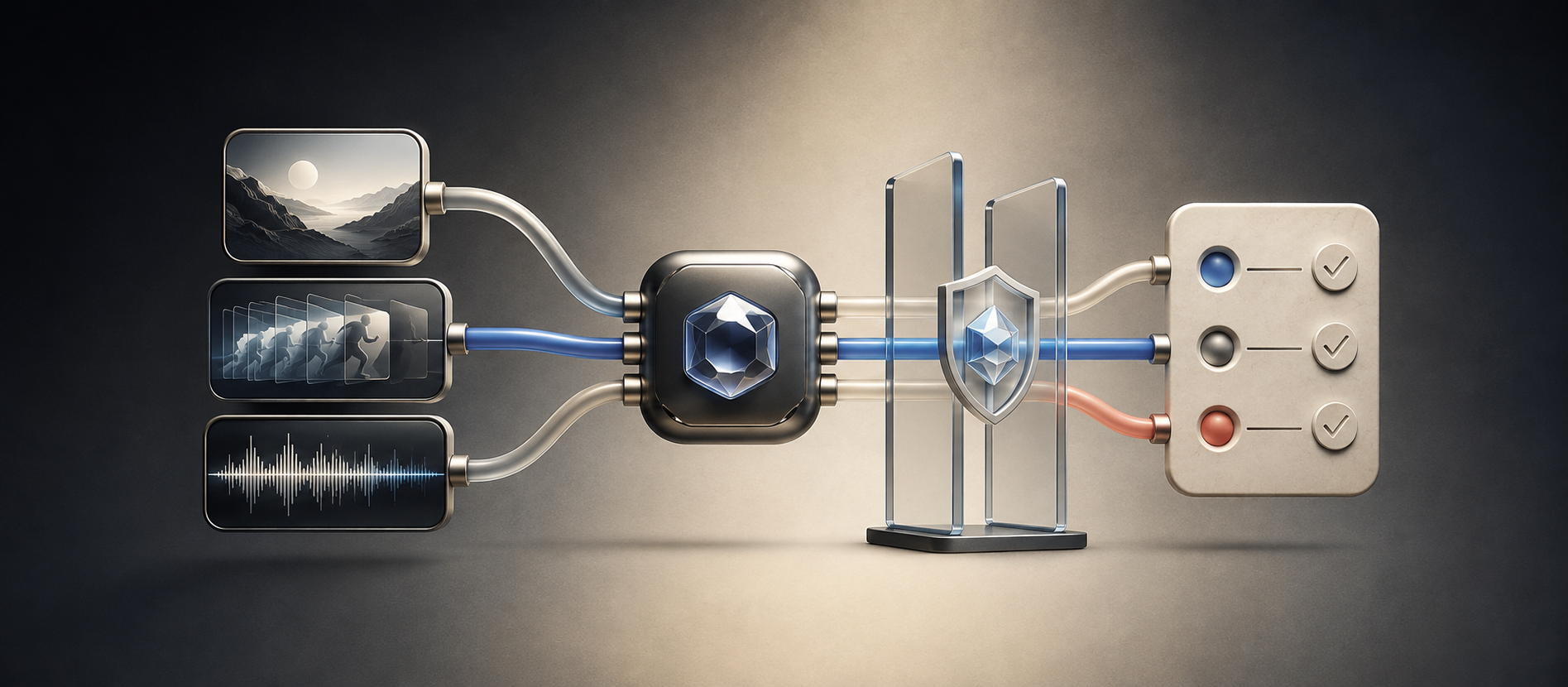
Genflow Editorial created this guide from a ten-page research pack, the current MCP specification, official client and security documentation, Genflow's public MCP page, and a bounded Search Console demand sample. AI assisted with research organization, drafting, and the cover illustration. The illustration is conceptual, not a product screenshot or proof of a security test. Send factual corrections through the linked support route.
No cross-vendor generation, latency, reliability, or cost benchmark was conducted. The scorecard is an operational control tool; it does not certify any server as safe or suitable for every organization.
Use the scorecard on one real brief
Copy the workflow sentence, capability ledger, and five-part acceptance test into your team's review record. Resolve every “unclear” item before connecting sensitive assets or approving unattended spend.
To evaluate these controls against Genflow's documented tool paths, open the Genflow MCP setup page, then connect only after reviewing the endpoint and requested permissions.
Turn this method into a reusable workflow
Start from one product asset, ad concept, or template and save repeatable production steps as a Genflow workflow.