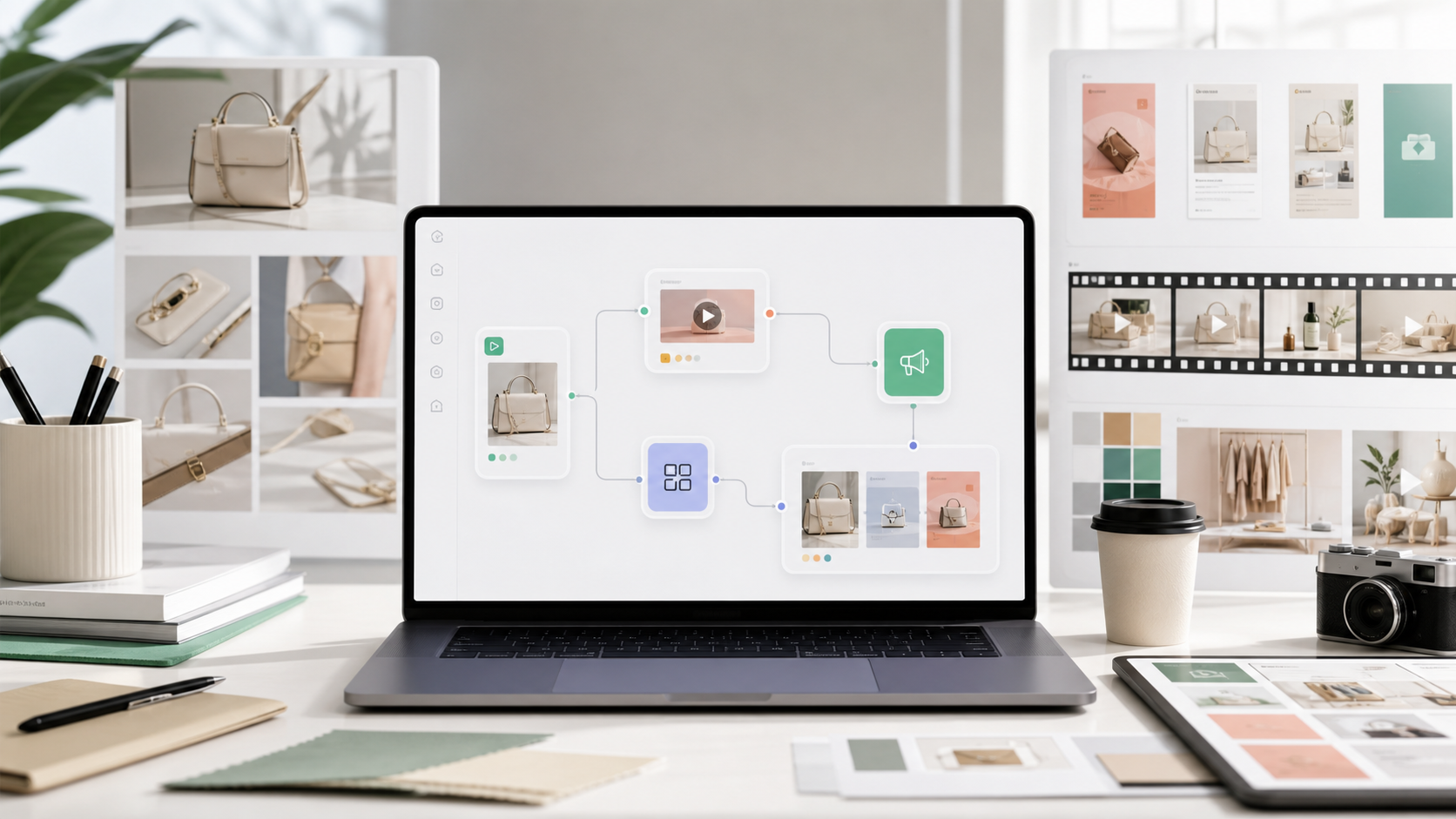
An AI workflow builder helps creative teams turn repeated image, video, and campaign production steps into reusable systems. Instead of starting from a blank prompt every time, teams can save the logic behind a successful output and apply it again across products, campaigns, and channels.
This matters because most commercial AI work is not a one-off generation task. Ecommerce teams need product listing images, UGC ad variants, lifestyle visuals, storyboards, model try-ons, and campaign assets that stay consistent across many SKUs.
GenflowAI is built around that repeatable workflow layer. You can browse production-ready examples in the GenflowAI workflow marketplace, or start from the broader AI workflow automation use case.
Quick Answer
An AI workflow builder is a tool that lets teams save reusable AI production steps, inputs, prompts, references, models, and output formats.
For creative teams, the best workflow builder is not just a prompt box. It should help users:
- Upload product or brand assets.
- Choose repeatable generation steps.
- Save workflow logic for reuse.
- Create image and video variants.
- Route outputs into ecommerce, ad, or campaign formats.
- Share workflows with teammates.
Why Creative Teams Need Workflow Builders
AI tools are powerful, but standalone generation can become messy fast.
A designer may create a strong product image in one session. A marketer may create a strong UGC-style video in another. A founder may discover a prompt that works well for ads. But if the team cannot reuse the steps, every result becomes hard to repeat.
That is the gap an AI workflow builder fills.
It changes the operating model from:
- "Can we generate one good image?"
to:
- "Can we generate a consistent product visual system every week?"
For ecommerce teams, repeatability is more valuable than novelty. A workflow should help the team recreate a reliable production pattern with new products, formats, and campaign briefs.
What an AI Workflow Builder Should Include
A useful AI workflow builder should include more than model access. The core value is orchestration.
The workflow should preserve:
- Input requirements
- Product reference images
- Prompt structure
- Brand and category rules
- Model selection
- Output dimensions
- Review steps
- Reuse logic
For example, an ecommerce team might create a product image workflow that starts from one product photo and generates a white-background PDP image, a lifestyle scene, a detail close-up, and a social ad crop.
That workflow can support the AI product visuals for ecommerce use case because it connects image generation to actual listing and campaign needs.
AI Workflow Builder vs Prompt Library
A prompt library stores text. A workflow builder stores a process.
That difference is important.
Prompt libraries are useful when the task is simple and the output depends mostly on wording. But commercial creative work usually depends on more than wording. It depends on the input image, model behavior, desired format, brand constraints, product category, and final channel.
An AI workflow builder should make those steps reusable.
For example, a UGC video workflow may include:
- Product image upload
- Product name and benefit input
- Script generation
- Scene planning
- Video model selection
- Voice or caption direction
- Ad variant export
That is why video teams should connect workflow planning to the AI video ads and campaign creative page rather than treating every video as a fresh experiment.
Best Workflows to Build First
Creative teams should not automate everything at once. The best first workflows are high-frequency tasks with repeatable inputs.
Start with these:
- Product photography workflow
- PDP white-background image workflow
- Lifestyle product image workflow
- UGC product video workflow
- AI video ad workflow
- Campaign creative variant workflow
- Template-based marketplace workflow
These workflows are practical because they connect directly to business outputs: product pages, ad testing, social content, and campaign launches.
How GenflowAI Fits
GenflowAI helps creative teams build reusable AI workflows from product assets, prompts, models, templates, and output formats.
The strongest GenflowAI positioning is not "one more AI generator." The stronger position is:
GenflowAI is a workflow layer for teams that need AI-generated product images, video ads, and campaign assets to become repeatable production systems.
That is why the marketplace is important. The GenflowAI marketplace gives teams a starting point instead of forcing every workflow to begin from scratch.
Example: From Product Image to Campaign Workflow
Imagine an ecommerce team launching a new handbag.
The team may need:
- PDP image
- On-model lifestyle shot
- Detail close-up
- TikTok ad variation
- Instagram crop
- Email campaign visual
Without a workflow builder, each asset may require separate prompting and manual setup. With a workflow builder, the team can reuse a structured process and swap in the next product.
This is where AI becomes operational. The team is no longer just generating assets. It is building a repeatable creative production system.
FAQ
What is an AI workflow builder?
An AI workflow builder is a tool that helps teams save and reuse AI production steps such as product inputs, prompts, model choices, output formats, and review logic.
Is an AI workflow builder different from an AI generator?
Yes. An AI generator creates outputs. An AI workflow builder helps teams repeat the process that creates those outputs.
Who needs an AI workflow builder?
Ecommerce teams, creative agencies, growth teams, and content teams need workflow builders when they create recurring product images, video ads, UGC clips, and campaign variants.
What should I automate first?
Start with high-frequency tasks such as product visuals, PDP images, UGC video ads, and campaign creative variants.
Where should I start in GenflowAI?
Start with the GenflowAI workflow marketplace, then connect the workflow to AI workflow automation, product visuals, or video ads depending on your use case.
Turn this method into a reusable workflow
Start from one product asset, ad concept, or template and save repeatable production steps as a Genflow workflow.