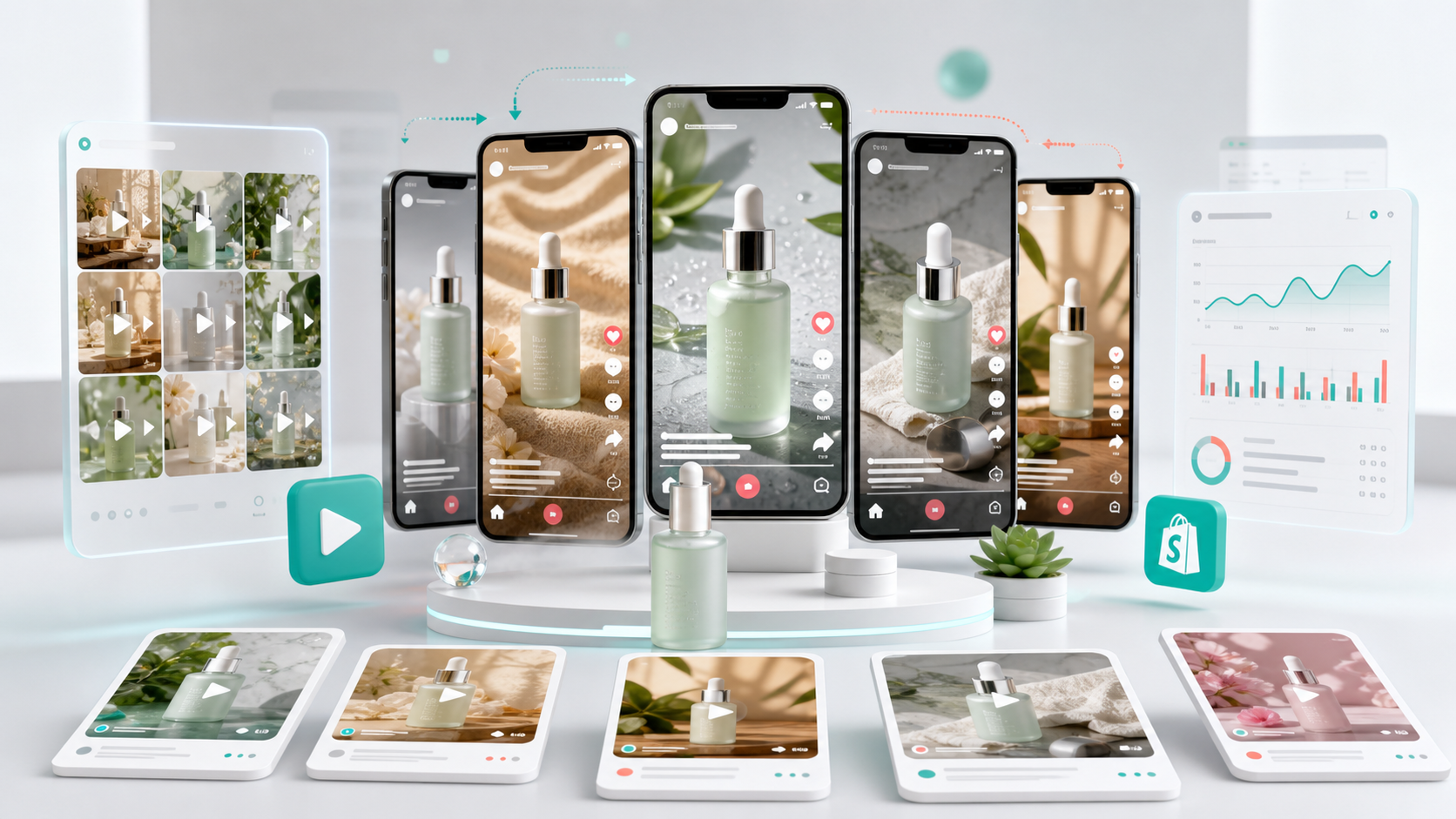
A UGC video generator helps ecommerce teams create short-form product videos that look and feel like creator-made content. The best use case is not a single video. It is a repeatable workflow for testing hooks, product angles, creator styles, formats, and calls to action across TikTok, Instagram Reels, YouTube Shorts, Shopify pages, and paid ads.
UGC-style ads work because they feel direct, fast, and personal. A creator introduces a product, explains the problem, shows the benefit, and gives the viewer a reason to act. But producing UGC at scale is hard. Teams need creators, scripts, product samples, revisions, editing, formatting, and many rounds of testing.
For a broader view of this workflow category, GenflowAI's AI Video Ads and Campaign Creative page shows how product video ads can move from one-off clips to reusable production systems.
AI changes the speed of this process. A reusable workflow changes the economics.
Why UGC Video Production Is Difficult to Scale
Ecommerce teams rarely need just one product video. They need many versions:
- Different hooks for different pain points
- Different creator styles for different audiences
- Different product benefit angles
- Different lengths for organic and paid channels
- Different calls to action
- Different visual openings for ad testing
A single product might need 20 to 50 creative variants before a team finds the strongest angle. Traditional creator production can support high-quality campaigns, but it is often too slow for weekly creative testing.
This is where an AI UGC workflow can help.
What a UGC Video Generator Should Produce
A useful UGC video generator should do more than create a random talking-head clip. It should support the full structure of a product ad.
A strong UGC workflow includes:
-
Product input
Product image, product name, description, benefit claims, audience, and tone. -
Hook generation
Multiple opening lines that target different buyer motivations. -
Script structure
Problem, product introduction, benefit, proof, use case, and call to action. -
Creator style
Casual review, founder-style explanation, unboxing, product demo, testimonial, or problem-solution format. -
Video generation
Short-form output for TikTok, Reels, Shorts, paid social, and product pages. -
Variant testing
Save the workflow and create multiple versions with different hooks, scripts, and formats.
The workflow should make creative testing faster, not just video generation faster.
If your team wants a ready-made starting point, the UGC Product Video workflow is designed to turn product inputs into short-form ad creative.
Example Workflow: Product Image to UGC Ad
Imagine a Shopify brand selling a compact travel blender. The team wants to test UGC ads for TikTok and Reels.
The workflow might generate:
- Hook 1: "I stopped buying overpriced smoothies after finding this."
- Hook 2: "This tiny blender fits in my work bag."
- Hook 3: "If you travel often, this solves a daily problem."
- Demo scene: Product on a kitchen counter or desk
- Benefit scene: Fast blending, easy cleaning, portable size
- CTA: "Try it before your next trip"
- Format: 9:16 short video
Then the same workflow can create five variants for different audiences: students, office workers, fitness users, travelers, and parents.
That is the advantage of workflow-based UGC production.
Why Ecommerce Teams Need Reusable UGC Workflows
AI tools often make it easy to create one video, but ecommerce marketing is a testing discipline. Teams need structured repetition.
Reusable workflows help teams:
- Keep brand messaging consistent
- Test hooks without rebuilding scripts from scratch
- Generate multiple ad variants from the same product input
- Reuse winning structures for future products
- Reduce manual editing and coordination
- Move faster from idea to campaign test
The workflow becomes a creative operating system.
Where GenflowAI Fits
GenflowAI helps teams build and use commercial AI workflows for product videos, ad creative, and ecommerce content. Instead of starting every UGC video from a blank prompt, teams can use templates such as UGC Product Video to turn product inputs into repeatable short-form ad assets.
For ecommerce teams, this means a workflow can connect:
- Product images
- Product descriptions
- Script generation
- Creator-style video
- Ad formatting
- Review and reuse
The result is a faster way to create product video variants for TikTok, Reels, Shopify, and paid campaigns.
You can also browse more ecommerce AI workflow templates for product visuals, product videos, and campaign assets.
UGC Video Generator vs AI Video Ad Generator
The terms overlap, but they are not exactly the same.
A UGC video generator usually focuses on creator-style videos: casual, personal, review-like, and native to social platforms.
An AI video ad generator is broader. It may include premium commercial ads, product demos, storyboard ads, brand films, or campaign videos.
For ecommerce, both can be useful. The best setup is to use UGC workflows for fast testing and commercial ad workflows for polished brand campaigns.
Best Ecommerce Use Cases
UGC video workflows are strongest for:
- TikTok product ads
- Instagram Reels ads
- Shopify product page videos
- Paid social creative testing
- Product launch campaigns
- Founder-style product explainers
- Problem-solution ads
- Testimonial-style product videos
They are especially useful when a product has clear benefits and a strong visual demonstration.
Review Checklist Before Publishing AI UGC
Before using AI-generated UGC in a campaign, review:
- Product accuracy
- Benefit claims
- Voice and caption quality
- Brand tone
- Platform format
- Legal or compliance requirements
- Whether the video makes realistic claims
AI speeds production, but review is still essential.
FAQ
What is a UGC video generator?
A UGC video generator creates user-generated-content-style videos from product inputs, scripts, images, or templates. Ecommerce teams use it to create social video ads, product demos, and creator-style content.
Can AI create UGC videos for TikTok?
Yes. AI workflows can create short-form videos formatted for TikTok, including hooks, product demonstrations, captions, and calls to action.
Is AI UGC useful for Shopify brands?
Yes. Shopify brands can use AI UGC videos on product pages, social campaigns, paid ads, and launch content.
How many UGC ad variants should I test?
Start with 5 to 10 variants per product angle. Test different hooks, creator styles, benefits, and CTAs before scaling the winning concept.
What makes a good UGC video workflow?
A good workflow combines product inputs, hook generation, script structure, creator style, video output, and reusable variant logic.
Turn this method into a reusable workflow
Start from one product asset, ad concept, or template and save repeatable production steps as a Genflow workflow.