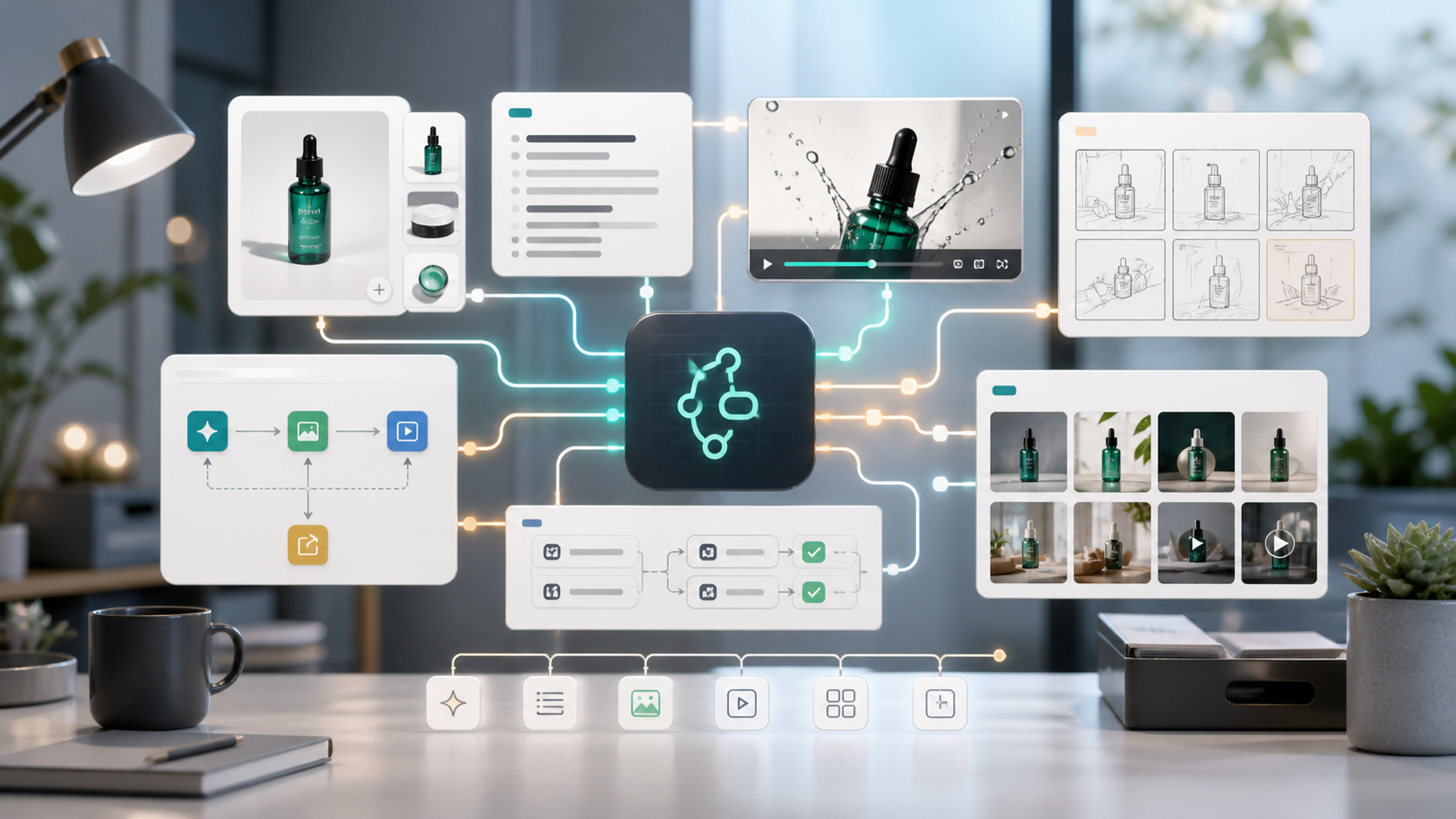
An AI workflow automation tool helps creative teams turn repeated production tasks into reusable systems. Instead of using separate AI tools for writing, image generation, video creation, and asset formatting, teams can connect the steps into workflows that create consistent commercial content faster.
For marketers, ecommerce operators, agencies, and creators, the biggest productivity gain does not come from generating one asset. It comes from automating the steps that repeat every week: product visuals, ad scripts, UGC videos, storyboards, campaign variants, and channel-specific exports.
GenflowAI's AI Workflow Automation page is the core landing page for teams evaluating how reusable AI workflows can support commercial content production.
The question is not "Can AI help?" The better question is "What should we automate first?"
Why Creative Teams Need Workflow Automation
Most creative teams already use AI in some form. They write prompts, generate images, test video models, summarize ideas, or draft copy. But many teams still work manually between tools.
That creates friction:
- Prompts are rewritten from scratch.
- Product information is copied across tools.
- Brand rules are inconsistent.
- Final assets are hard to organize.
- Winning creative structures are not reused.
- Every new campaign starts from zero.
An AI workflow automation tool solves this by saving the process, not just the output.
Teams that want to start from proven workflow patterns can browse the GenflowAI marketplace for reusable commercial AI templates.
What Makes a Workflow Different from a Prompt
A prompt is a single instruction. A workflow is a repeatable production path.
A prompt might say:
"Create a lifestyle product image for this bottle."
A workflow can do much more:
- Read product information
- Generate positioning angles
- Create product image variants
- Write ad copy
- Produce video scripts
- Generate channel-specific assets
- Save the structure for future SKUs
That is why workflows are more useful for teams that produce commercial content at scale.
The First 5 Creative Tasks to Automate
Creative teams should start with workflows that are repetitive, structured, and tied to business outcomes.
1. Product Image Variants
Product visuals are a strong starting point because the inputs are clear. A workflow can take a product image and create:
- White-background PDP images
- Lifestyle shots
- Close-up detail visuals
- Social ad images
- Marketplace crops
This helps ecommerce teams move faster without rebuilding image prompts for every SKU.
2. UGC Video Ads
UGC ad production needs variation. A workflow can generate hooks, scripts, creator styles, short-form videos, and CTAs from the same product input.
This is especially useful for TikTok, Reels, Shorts, paid social, and Shopify product pages.
3. Campaign Scriptwriting
AI can help structure ad scripts, but workflow automation makes the process repeatable. A script workflow can generate:
- Hook options
- Problem-solution scripts
- Founder-style scripts
- Product demo scripts
- Short and long versions
- CTA variants
This gives marketing teams a consistent script engine.
4. Storyboard Creation
Before producing a video, many teams need a storyboard. A workflow can turn a product idea, ad angle, or marketing brief into scenes, visual notes, shot lists, and production direction.
Storyboards are valuable because they reduce ambiguity before the team generates or edits video.
5. Creative Variant Testing
The most valuable workflow may be variant generation. Instead of creating one asset, the team can generate multiple versions:
- Different hooks
- Different first frames
- Different benefit orders
- Different formats
- Different CTAs
- Different audience angles
This supports a testing culture without overwhelming the team.
Where GenflowAI Fits
GenflowAI is built around commercial AI templates and reusable workflows. It helps teams move from one-off generation to structured creative systems.
For creative teams, GenflowAI can support workflows across:
- Ecommerce product visuals
- UGC product videos
- AI video ads
- Commercial storyboards
- Product image templates
- Marketplace workflow templates
- Repeatable creative production
The goal is to help teams create faster while keeping production logic organized.
For ecommerce teams specifically, the ecommerce AI workflow templates collection is a practical place to find workflows for product visuals, UGC videos, and campaign assets.
How to Choose Your First AI Workflow
Start with a workflow that meets three criteria:
-
It happens often
Choose a task the team repeats weekly or daily. -
It has clear inputs
Product images, descriptions, audience notes, brand rules, and channel formats are good inputs. -
It has measurable output
The result should support clicks, conversions, creative testing, or production speed.
For most ecommerce teams, the best first workflow is product visuals or UGC video ads. For agencies, the best first workflow may be storyboards or campaign variant generation.
Workflow Automation vs AI Tool Stacking
Many teams start by stacking tools: one for writing, one for images, one for video, one for editing, one for storage. This can work for experiments, but it becomes difficult to manage at scale.
Workflow automation creates a more structured process:
- Fewer manual handoffs
- More consistent outputs
- Easier reuse
- Better internal knowledge
- Faster campaign iteration
The value is not only speed. It is operational memory. The team can preserve what worked and apply it again.
How to Measure Success
Track workflow success using practical metrics:
- Time from brief to first asset
- Number of creative variants produced
- Cost per usable asset
- Revision rate
- Campaign launch speed
- CTA clicks
- Sign-ups or conversions
- Reuse rate across campaigns
If the workflow saves time and creates usable assets, it is working. If it also improves testing velocity, it becomes a growth lever.
FAQ
What is an AI workflow automation tool?
An AI workflow automation tool connects multiple AI tasks into a repeatable process. Creative teams use it to automate content production steps such as writing, image generation, video creation, and campaign asset formatting.
How is an AI workflow different from an AI prompt?
A prompt creates one output. A workflow saves a repeatable sequence of steps, inputs, rules, and outputs that can be reused across campaigns or products.
What should creative teams automate first?
Start with repetitive production tasks such as product image variants, UGC video ads, campaign scripts, storyboards, and creative testing variants.
Is AI workflow automation useful for ecommerce?
Yes. Ecommerce teams can use AI workflows to create product visuals, listing images, UGC ads, video campaigns, and marketplace-specific creative assets.
How do I measure AI workflow automation ROI?
Measure time saved, cost per usable asset, number of variants produced, revision rate, campaign launch speed, CTA clicks, and conversions.
Turn this method into a reusable workflow
Start from one product asset, ad concept, or template and save repeatable production steps as a Genflow workflow.