Install and pin
Add the extension to Chrome and pin GenflowAI so the side panel stays one click away.
 GenflowAI for Chrome
Reference page text, images, and video, then chat or run workflows in Chrome's side panel.
Install from desktop Chrome
Open the official Chrome Web Store listing. Installation must be completed in desktop Chrome.
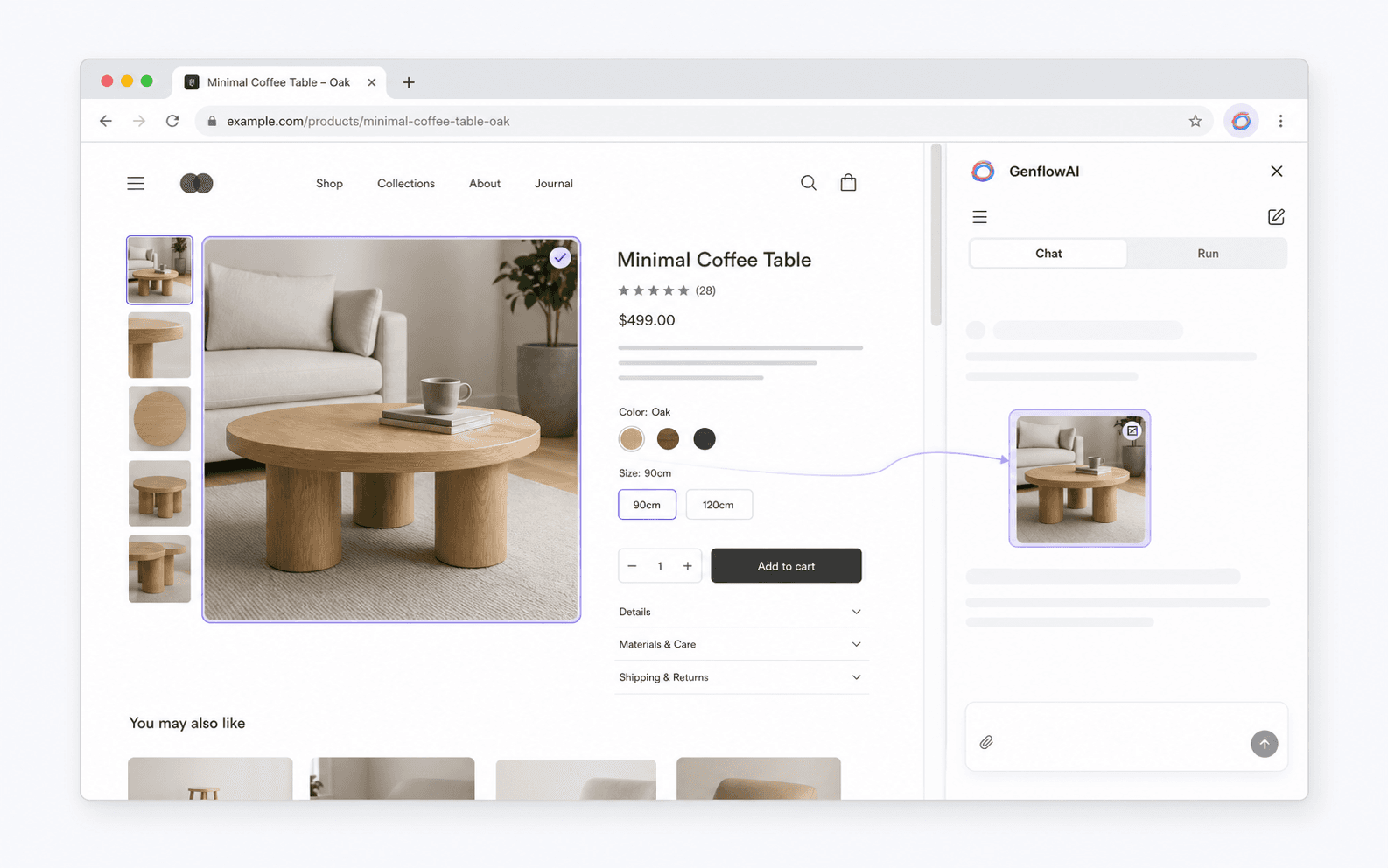
Keep the source visible while you turn exact page content into useful creative context.
Choose one visible image, video, poster, background, SVG, or readable canvas from the page.
Drag over a visible region and confirm the crop before it is uploaded as a PNG reference.
Selected text stays connected to the page title and URL, so Agent keeps the right context.
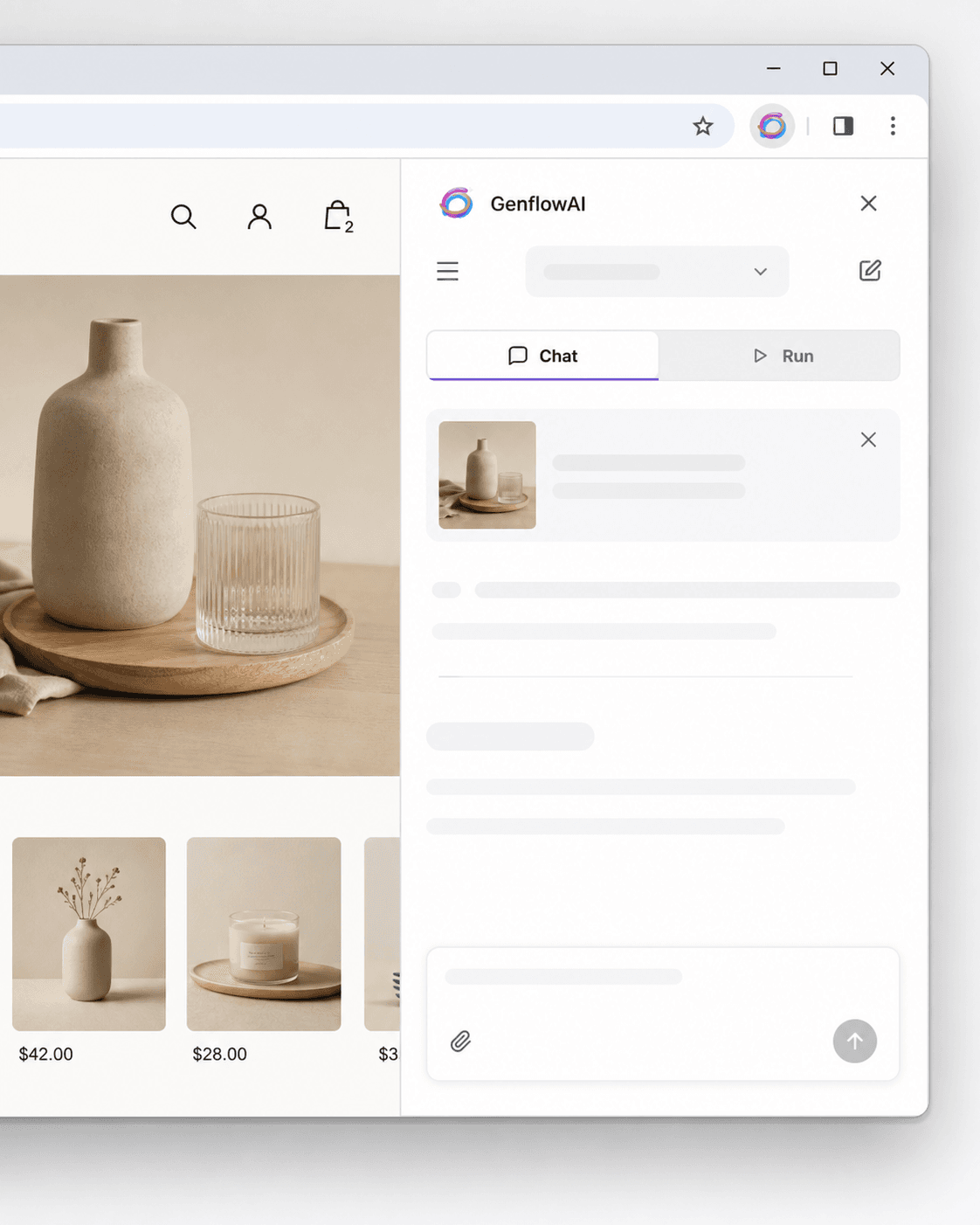
Continue a conversation in Chat, or open Run when you already know the template or workflow you need.
Reference the page, describe the outcome, and keep the conversation synced with your Genflow project.
Search published templates and your saved workflows, fill their real inputs, and review recent generations.
The extension keeps the browsing context, creative request, execution, and returned media connected.
Add the extension to Chrome and pin GenflowAI so the side panel stays one click away.
Select text, pick media, upload a local file, or capture a visible page area.
Send the reference to Agent or run a template, then preview and download the result in the panel.
The extension needs page access to place reference controls and capture content only after you choose an action.
Used for user-triggered text, media, and area selection on normal http and https pages.
Keeps your language, active conversation, and a limited set of unsent local drafts.
Uploads, credits, permissions, billing, generation, and history stay in your GenflowAI account.
Install GenflowAI securely from its official Chrome Web Store listing.
Open the official listing and approve the requested permissions.
Keep the extension visible from Chrome's extension menu.
Sign in with your GenflowAI account and start from any page.
Bring Genflow Agent, templates, and your saved workflows into the pages where ideas start.