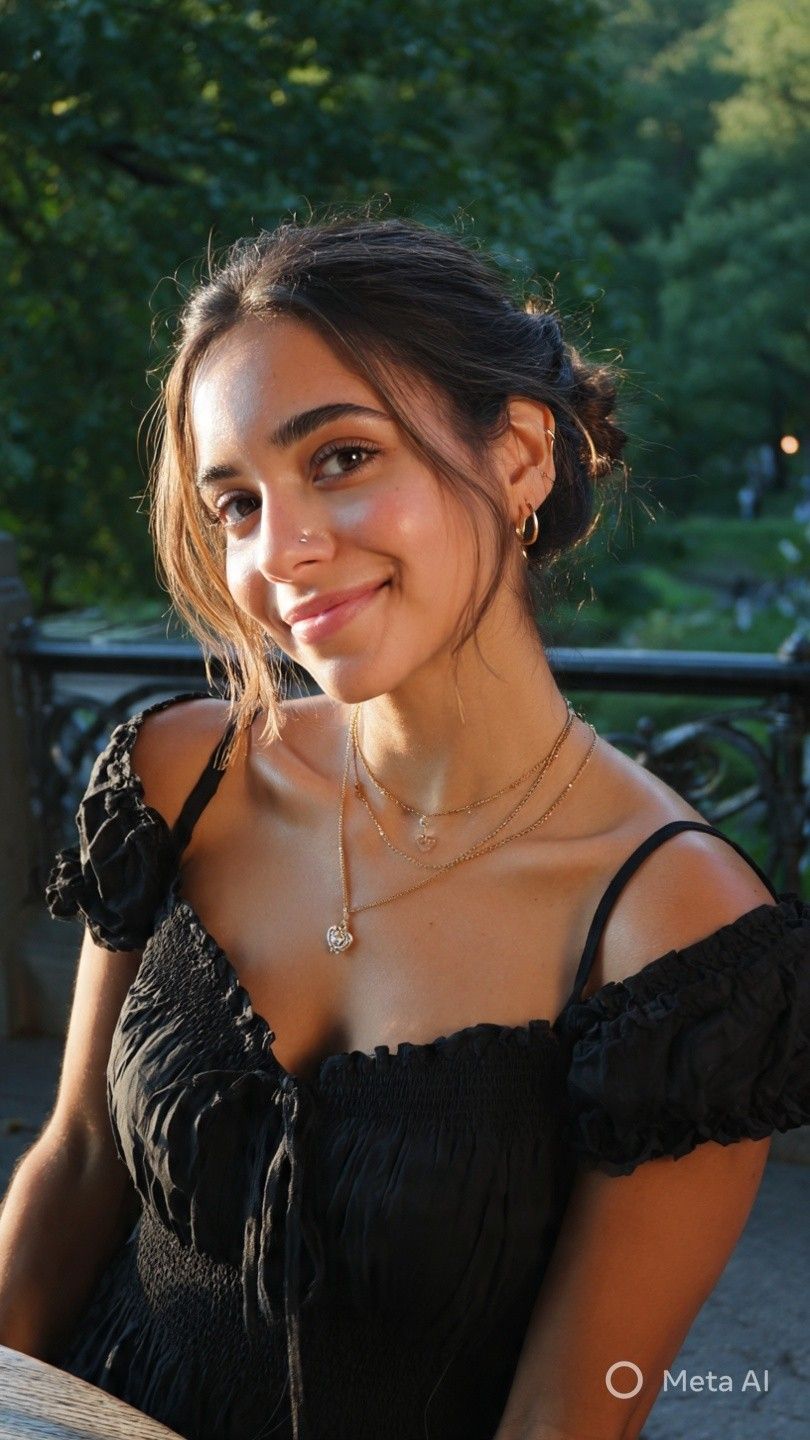
World Cup Fan Cam Clip
Create realistic FIFA World Cup broadcast crowd shots from your photo. Experience authentic fan reactions, celebrations, nervous moments, and live stadium atmosphere captured by a television broadcast camera.
Reuse the visual system without rebuilding it.
The template keeps example inputs, prompt structure, model choices, and preview direction together so you can start from a reusable workflow.
Template focus
World Cup Fan Cam Clip is built around this specific job: Create realistic FIFA World Cup broadcast crowd shots from your photo. Experience authentic fan reactions, celebrations, nervous moments, and live stadium atmosphere captured by a television broadcast camera.
Relevant directions: Workflow / Template / Creative automation / AI generation.
Decide before you open Studio.
Use the preview, tags, and workflow notes to see whether this template matches a repeatable creative job.
Preview the direction
Check the visual style and output promise for World Cup Fan Cam Clip before you open the workflow.
Reuse the structure
Start from saved prompts, model choices, and output settings instead of a blank canvas.
Swap the inputs
Replace the reference, product, or character while keeping the production path intact.
lena404Updated Jun 25, 2026
Reuse the whole sequence.
This workflow helps visitors judge the fit quickly: what to bring, what stays reusable, and how it changes for the next asset or campaign.
Bring your reference
Add the character, product detail, prompt, or source asset that World Cup Fan Cam Clip should transform.
Ready to adapt
Keep the prompt structure
Use the saved World Cup Fan Cam Clip prompt flow as a starting point instead of rebuilding model choices and steps.
Ready to adapt
Swap inputs for the next run
Reuse the same World Cup Fan Cam Clip setup for the next asset, campaign, or character while keeping the output style consistent.
Ready to adapt
Find the best workflow path.
Use these related pages to compare the template, understand the use case, and move into the right production workflow.
Use case
AI video ad generator workflows
See how video templates become reusable campaign production systems.
Compare
Genflow vs Creatify for AI Video Ads
Compare one-click ad generation with reusable campaign workflows.
Marketplace
Genflow template marketplace
Browse reusable AI creative workflows for product, video, and campaign production.
Field note
AI UGC workflow playbook
Read how short-form creative moves from one-off outputs to reusable systems.
Clear answers before the click.
Practical details for deciding whether this workflow fits your next product visual, campaign asset, or character video.
What does the World Cup Fan Cam Clip template do?
Create realistic FIFA World Cup broadcast crowd shots from your photo. Experience authentic fan reactions, celebrations, nervous moments, and live stadium atmosphere captured by a television broadcast camera.
What inputs do I need to use this template?
Start with the assets, prompts, product details, or references that match the workflow. You can replace the example inputs after opening the template in Genflow Studio.
Can I customize the workflow after copying it?
Yes. Genflow templates are designed to be copied into Studio, where you can adjust prompts, inputs, model steps, and output settings for your own production needs.
Is this template useful for repeatable team workflows?
Yes. The template preserves a reusable creative process, so teams can run similar tasks again without rebuilding the workflow from scratch.
How should I evaluate whether this template is worth using?
Check the preview media, description, tags, and whether the workflow matches a repeatable creative job such as product visuals, campaign assets, video ads, or editing automation.
Open the workflow and make it yours.
Last updated Jun 25, 2026. Use the template as a starting point, replace the assets, and keep the creative direction consistent across the next run.