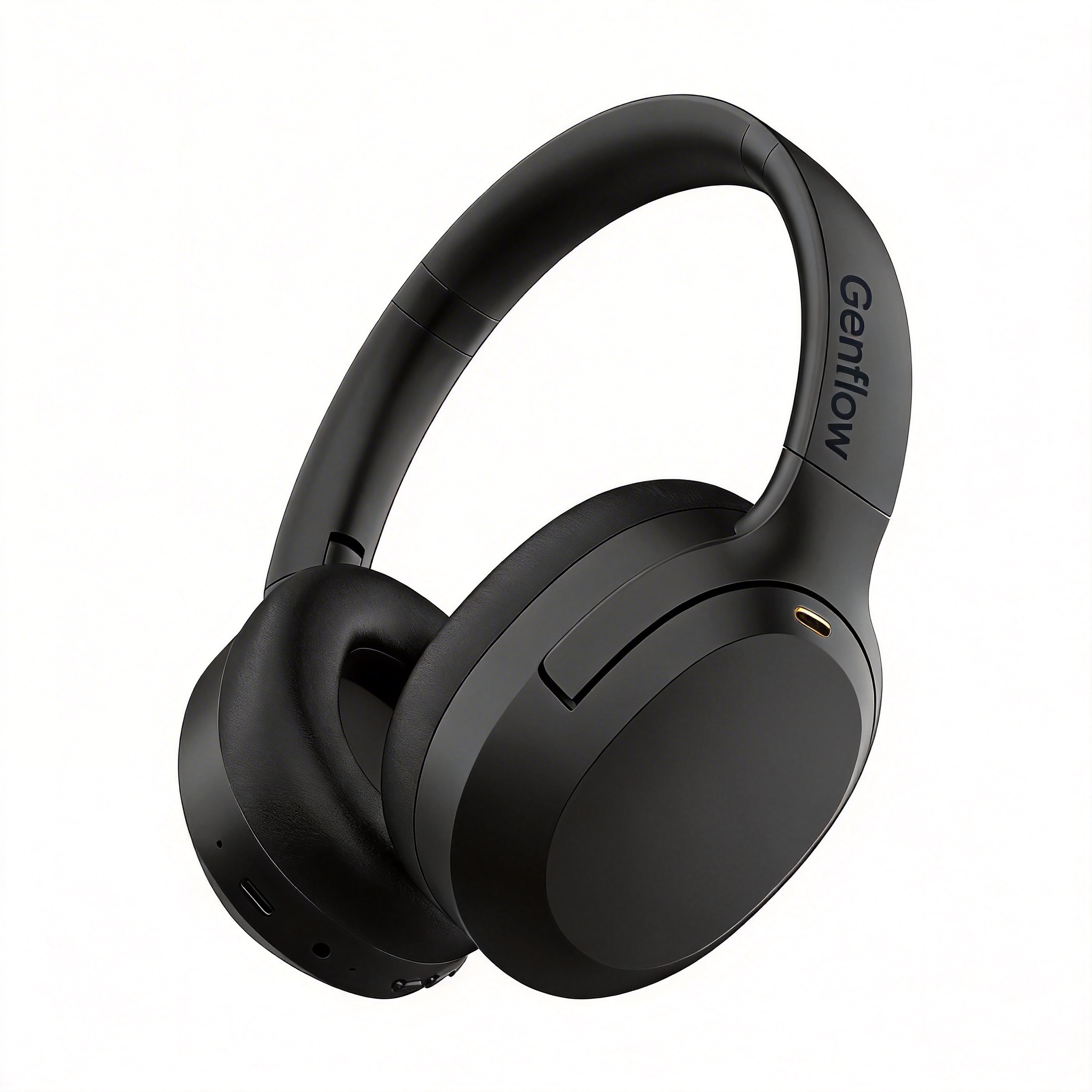

Instantly generate high-conversion Amazon A+ banners and technical feature callouts for headphones. A specialized workflow engineered for audio brands and Amazon sellers. Simply input your earphone product photos to automatically output structured, modular visual assets tailored to Amazon A+ Content specifications. The engine generates high-fidelity lifestyle images showing ergonomic fit, close-ups of core tech features (like ANC and battery life), and crisp product banners. It ensures precise dimensions and a professional layout hierarchy to significantly boost listing click-through rates and conversion.
The template keeps example inputs, prompt structure, model choices, and preview direction together so you can start from a reusable workflow.
Template focus
Amazon A+ Content for Headphone is built around this specific job: Instantly generate high-conversion Amazon A+ banners and technical feature callouts for headphones. A specialized workflow engineered for audio brands and Amazon sellers. Simply input your earphone product photos to automatically output structured, modular visual assets tailored to Amazon A+ Content specifications. The engine generates high-fidelity lifestyle images showing ergonomic fit, close-ups of core tech features (like ANC and battery life), and crisp product banners. It ensures precise dimensions and a professional layout hierarchy to significantly boost listing click-through rates and conversion.
Relevant directions: amazon-a-plus / amazon-infographic / ecommerce-white-background / clean-product-shot.
Use the preview, tags, and workflow notes to see whether this template matches a repeatable creative job.
Preview the direction
Check the visual style and output promise for Amazon A+ Content for Headphone before you open the workflow.
Reuse the structure
Start from saved prompts, model choices, and output settings instead of a blank canvas.
Swap the inputs
Replace the reference, product, or character while keeping the production path intact.
This workflow helps visitors judge the fit quickly: what to bring, what stays reusable, and how it changes for the next asset or campaign.
Add the character, product detail, prompt, or source asset that Amazon A+ Content for Headphone should transform.
Use the saved Amazon A+ Content for Headphone prompt flow as a starting point instead of rebuilding model choices and steps.
Reuse the same Amazon A+ Content for Headphone setup for the next asset, campaign, or character while keeping the output style consistent.
Use these related pages to compare the template, understand the use case, and move into the right production workflow.
Use case
See how video templates become reusable campaign production systems.
Compare
Compare one-click ad generation with reusable campaign workflows.
Template topic
Browse related Genflow Marketplace templates in the same topic cluster.
Field note
Read how short-form creative moves from one-off outputs to reusable systems.
Practical details for deciding whether this workflow fits your next product visual, campaign asset, or character video.
Instantly generate high-conversion Amazon A+ banners and technical feature callouts for headphones. A specialized workflow engineered for audio brands and Amazon sellers. Simply input your earphone product photos to automatically output structured, modular visual assets tailored to Amazon A+ Content specifications. The engine generates high-fidelity lifestyle images showing ergonomic fit, close-ups of core tech features (like ANC and battery life), and crisp product banners. It ensures precise dimensions and a professional layout hierarchy to significantly boost listing click-through rates and conversion.
Start with the assets, prompts, product details, or references that match the workflow. You can replace the example inputs after opening the template in Genflow Studio.
Yes. Genflow templates are designed to be copied into Studio, where you can adjust prompts, inputs, model steps, and output settings for your own production needs.
Yes. The template preserves a reusable creative process, so teams can run similar tasks again without rebuilding the workflow from scratch.
Check the preview media, description, tags, and whether the workflow matches a repeatable creative job such as product visuals, campaign assets, video ads, or editing automation.
Last updated Jul 1, 2026. Use the template as a starting point, replace the assets, and keep the creative direction consistent across the next run.